
Introduction
“What should I play during my break? YouTube and games are blocked on my school computer or tablet. Is there anything like Mario Kart I can play?”
If that sounds familiar, this guide is for you. Here are three exciting kart racing and battle games you can play in a browser without installing a game. Availability on school-managed devices depends on local network settings.
1. Smash Karts
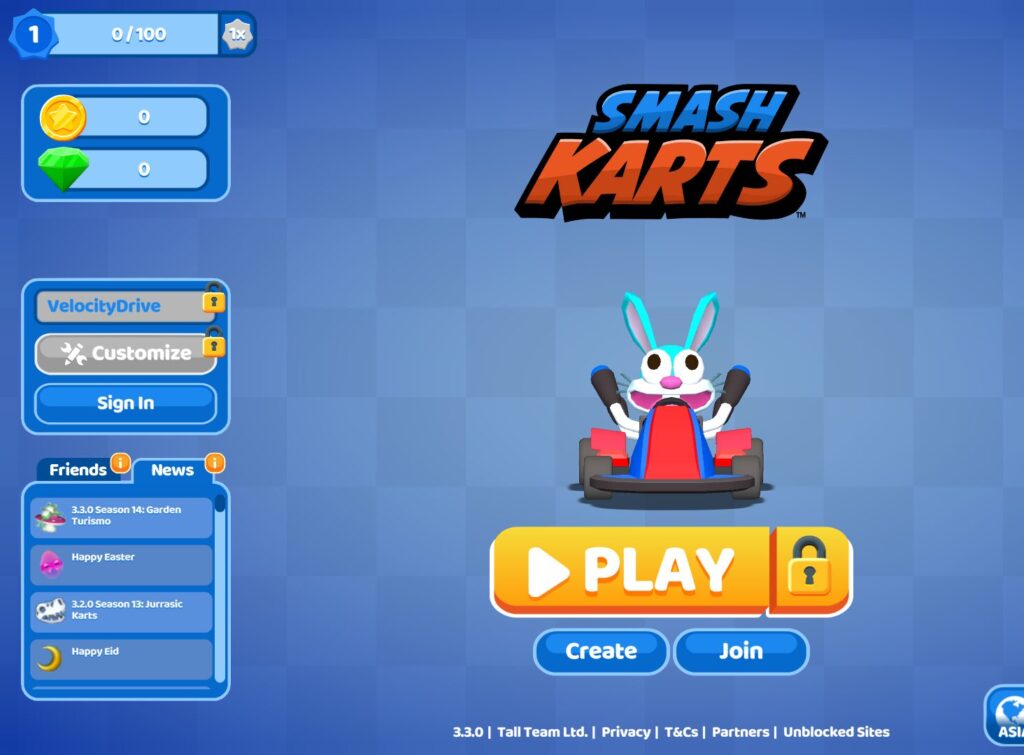
Love kart racing but wish there were more battles and power-ups? Smash Karts is a great choice. If you enjoy the battle mode in Mario Kart, you may love this one.
In a typical three-minute match, you drive around an arena, collect weapons from question-mark boxes, and attack opponents to earn points.
Why we recommend it
- Quick matches: Three-minute rounds are ideal for short gaming sessions.
- Simple controls: Drive with WASD and use items with the Space bar.
- Play with friends: The Custom Game option lets players select a region and room name to meet in the same match.
Play Smash Karts: https://smashkarts.io/
🏎️ Smash Karts Controls (PC / Windows)
| Action | Key / Mouse | What it does |
|---|---|---|
| Steer | ← / → or A / D | Turn left or right |
| Accelerate | ↑ or W | Drive forward |
| Reverse | ↓ or S | Drive backward |
| Use an item | Space | Activate your collected weapon or power-up |
| Camera | Automatic | View generally follows the kart |
| Chat | Enter | Open chat when available |
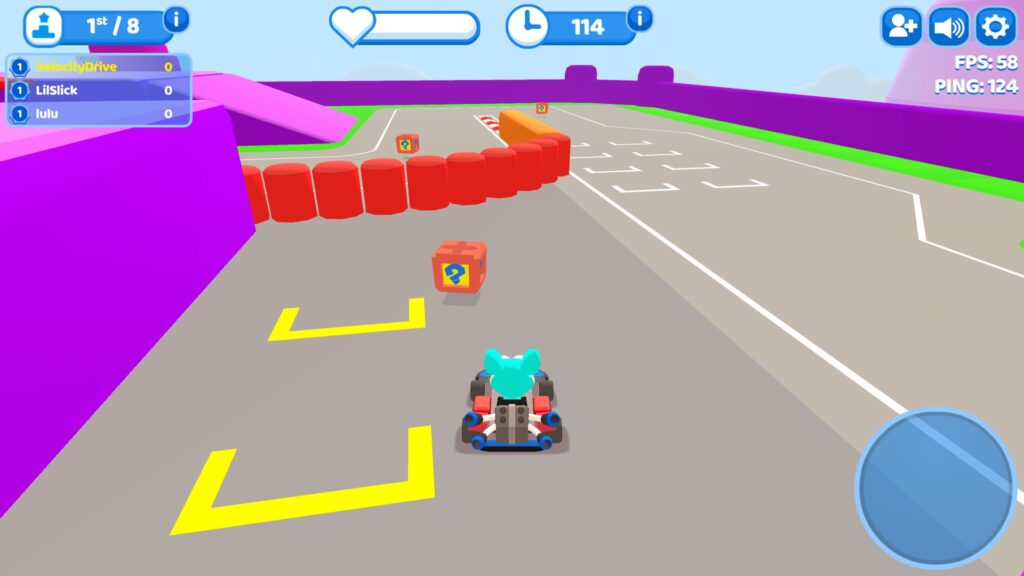
🎮 How a Match Works
- Join a room and start driving and battling.
- Pick up weapons and power-ups from question-mark boxes.
- Hit opponents with your items to score points.
- Try to finish with the highest score when time runs out.
🔫 Examples of Power-Ups
- 🧨 Missiles: Fire at opponents ahead of you.
- 💣 Bombs: Drop explosives near your kart.
- 🔥 Flamethrower: Attack enemies at close range.
- ⚡ Shield: Protect yourself from incoming damage.
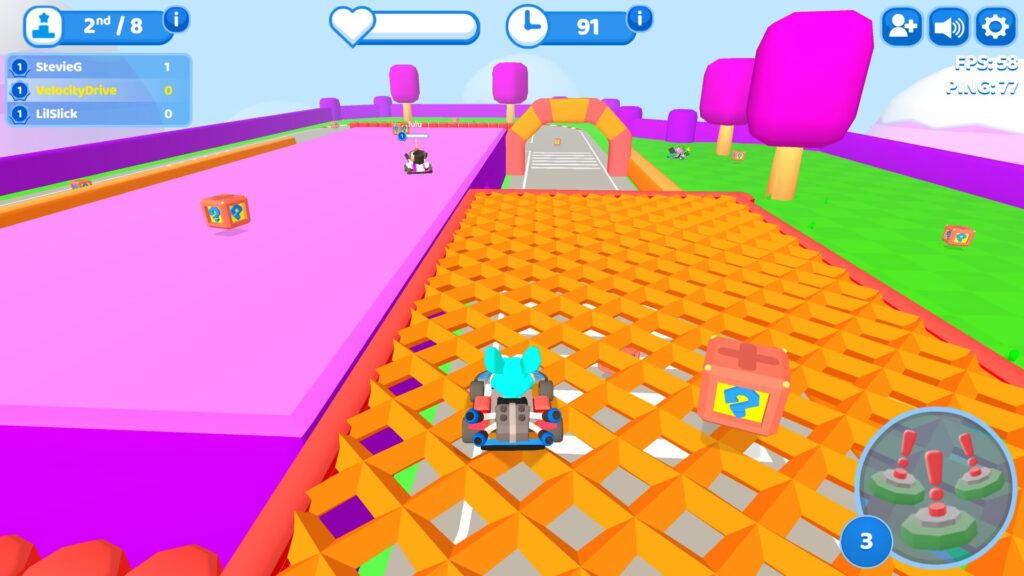
💡 Tips for Beginners
- Ease off the accelerator slightly when taking tight corners.
- Try firing missiles along straight paths to improve your aim.
- You generally cannot carry two collected items at once, so use your power-up strategically.
2. Boom Karts
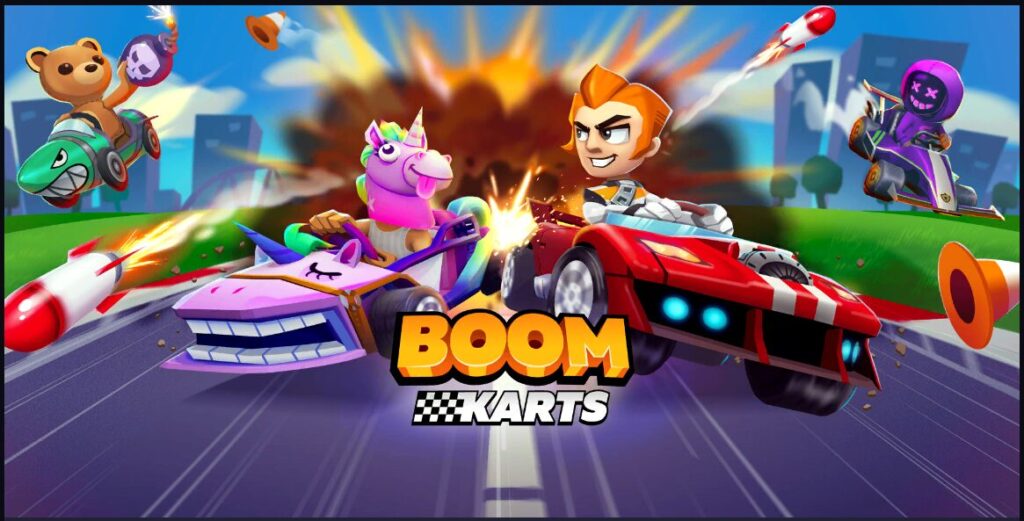
What makes Boom Karts fun?
- Drift boosts: Hold a drift through a corner, then release it at the right moment to gain speed. The sparks change color as you build a stronger boost.
- Creative items: Weapons and power-ups include unusual surprises such as soap that makes opponents spin and chili peppers that give you a speed boost.
- Online races: Compete against players from around the world and work your way up the rankings.
Play Boom Karts: https://www.crazygames.com/game/boom-karts
⏩ Basic Controls (PC / Windows)
- Accelerate: The kart moves forward automatically.
- Steer left: A or ←
- Steer right: D or →
- Boost / use an item: Space
Timing matters: release your drift at the right moment to gain a burst of speed around corners.
🏁 Browser and Mobile-Style Controls
- Steering: Arrow keys or A / D on a keyboard.
- Boost: Space or an on-screen control when supported.
- Drift and boost: Drift through a corner, then use the resulting speed boost.
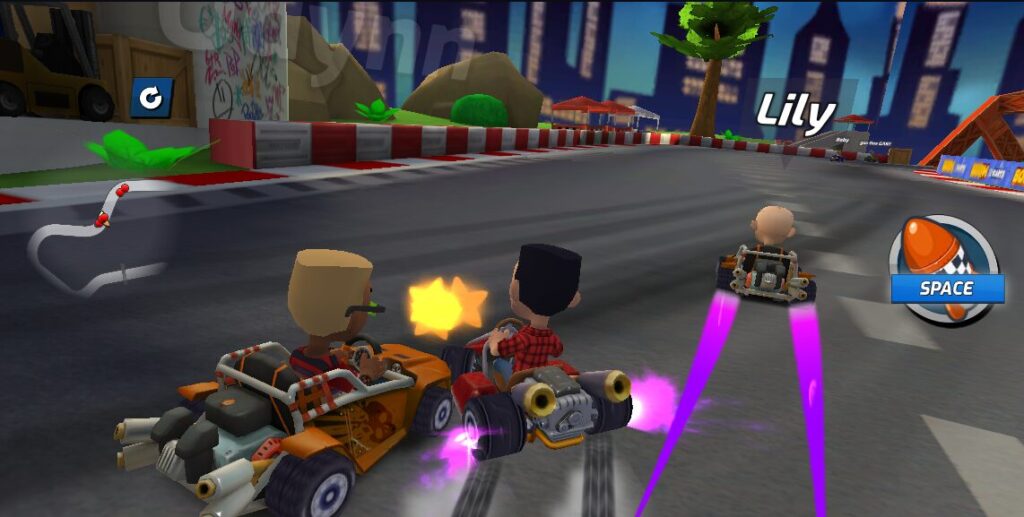
🎯 How to Play and Win
- Steer your automatically accelerating kart with the left and right keys.
- Collect question-mark item boxes to pick up rockets, bombs, boosts, and other power-ups.
- Drift around corners to build speed boosts.
- Races commonly run for two laps, depending on the mode.
- Use items to slow your rivals while aiming to cross the finish line first.
3. Go Kart Go! Ultra!
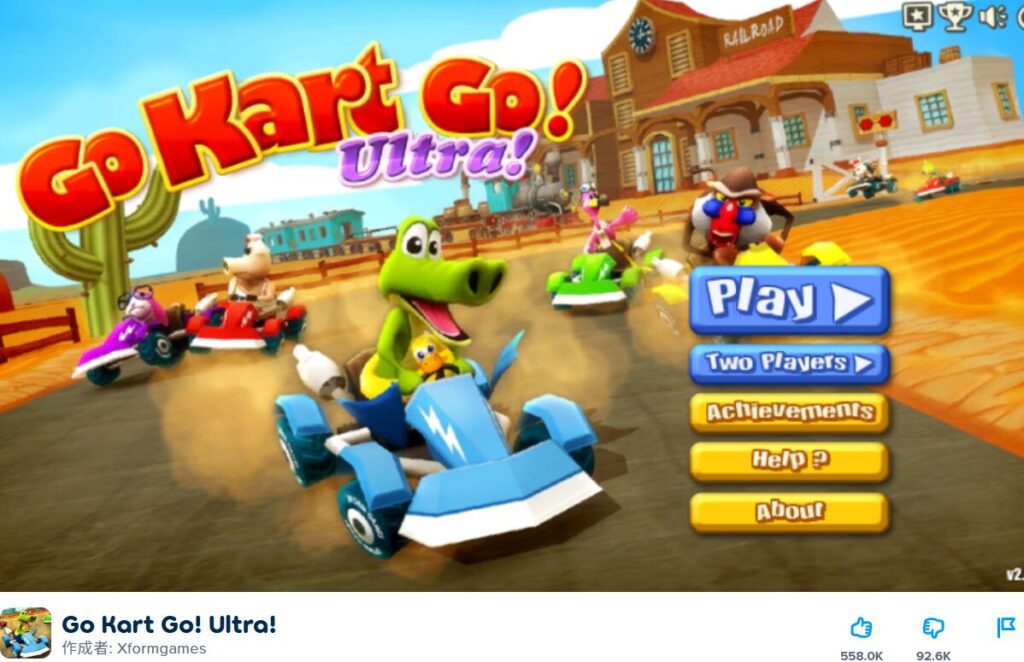
Why try Go Kart Go! Ultra!?
- Mario Kart-style atmosphere: Cute characters and lively race tracks make the game feel playful and accessible.
- Classic item battles: Use missiles, shields, oil slicks, and other items to gain an advantage.
- Challenging computer opponents: Work through a championship mode with nine cups, or compare your results with friends.
Play Go Kart Go! Ultra!: https://poki.com/en/g/go-kart-go-ultra
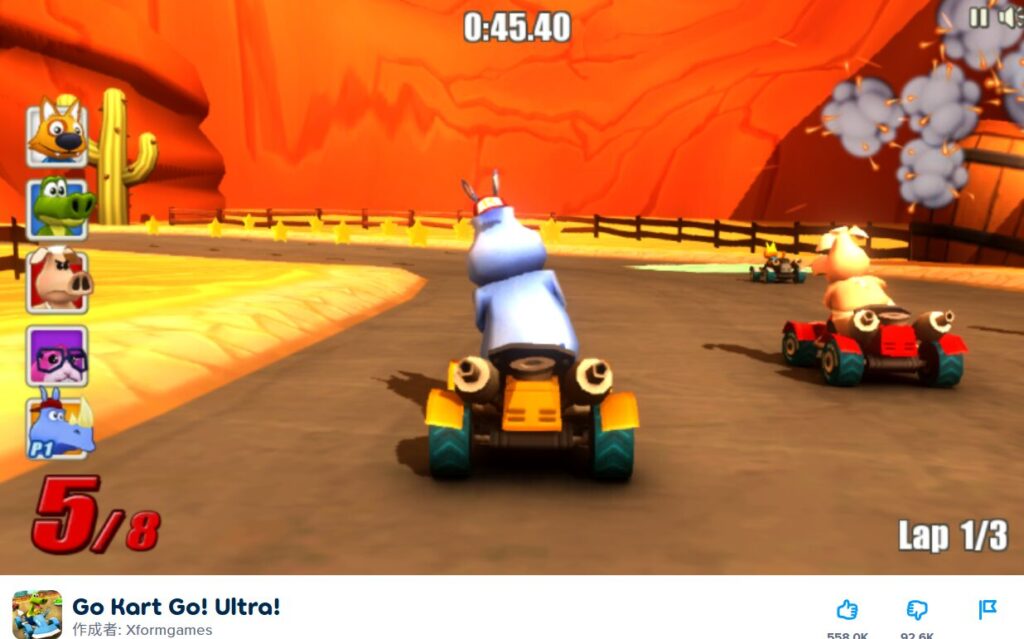
🎮 Player 1 Controls
- Steer: ← / →
- Accelerate / brake: ↑ / ↓
- Drift and jump: Shift
- Use an item: Space
- Look behind: Z
- Pause: Esc or P
- Mute: M
👥 Player 2 Controls
- Steer: W / D (as listed in the original guide; check the in-game controls)
- Use an item: Q
- Drift and jump: Tab
- Look behind: E
- Pause: Esc or P
- Mute: M
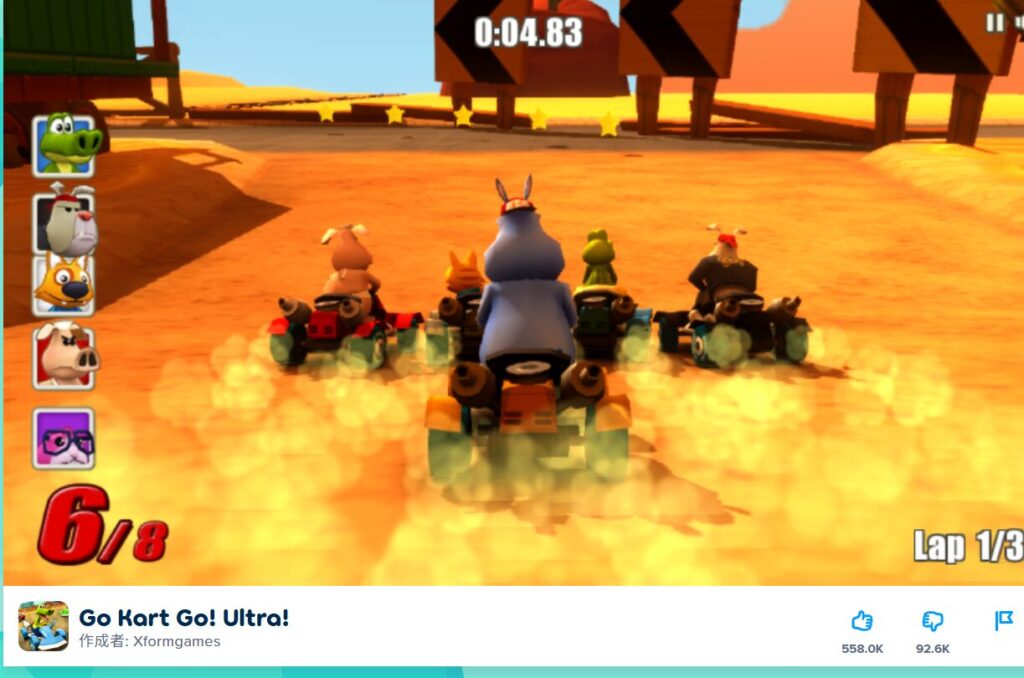
🔧 Tips and Tricks
- Master drifting: Hold Shift (or Tab for Player 2) through corners to make turns easier, then use a boost when appropriate.
- Use items wisely: Pick up weapons from item boxes and save them for the right moment.
- Watch your back: Use Z or E to check for opponents approaching from behind.
Which Kart Game Should You Play?
- Best for beginners: Boom Karts — automatic acceleration makes it easy to get started.
- Best for battles: Smash Karts — fast driving and weapon-based combat.
- Best for classic kart racing: Go Kart Go! Ultra! — lively tracks, items, and racing action.
All three are fun, but Smash Karts is our pick for chaotic weapon battles, while Boom Karts is great if you enjoy drifting and speed boosts.
Know another fun browser kart racing game like Mario Kart? Share it in the comments!


コメント