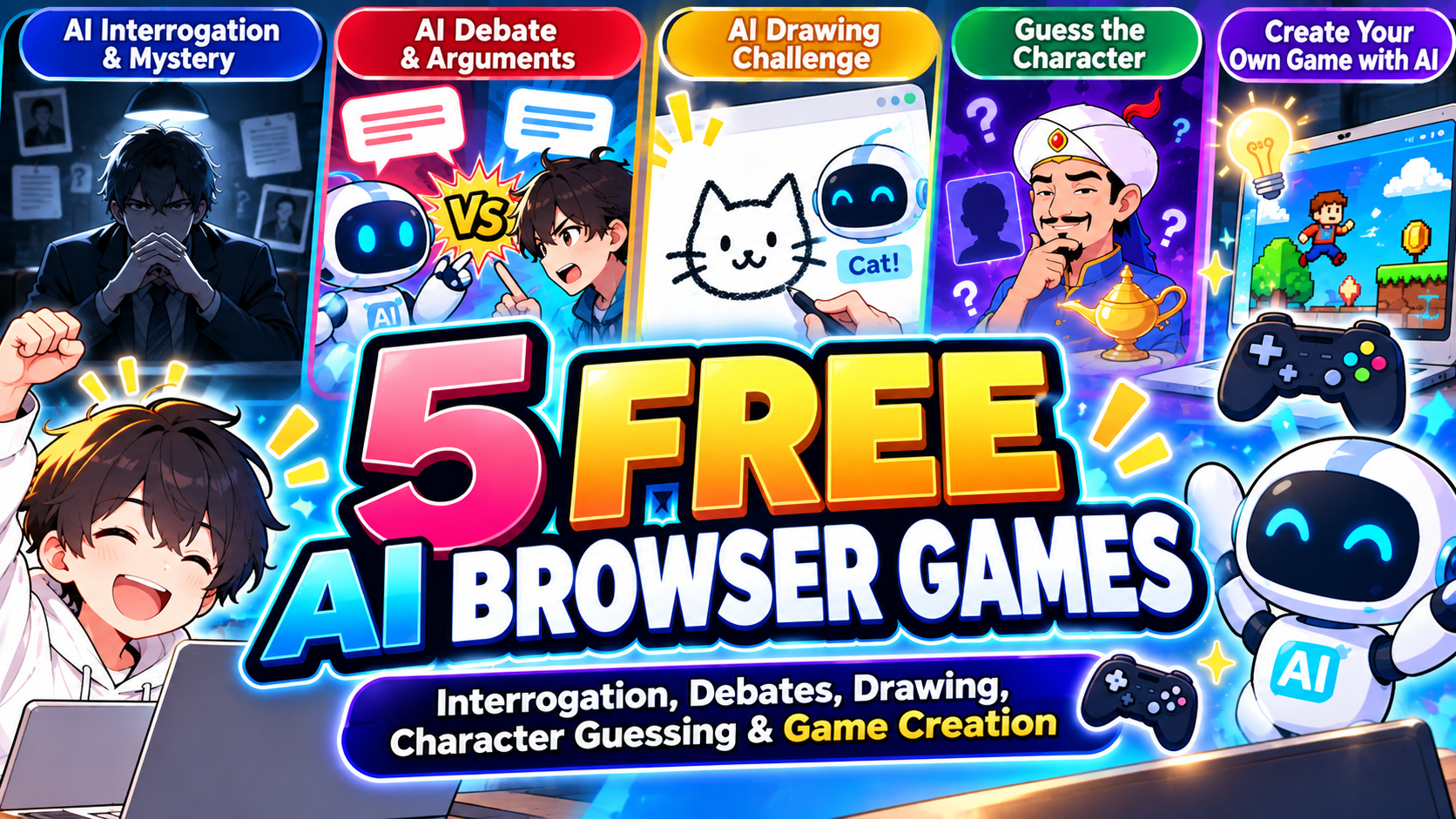
Looking for free AI browser games you can play instantly without downloading anything? From interrogating an AI suspect to challenging a virtual debate opponent, there are plenty of unusual ways to put artificial intelligence to the test.
Some games use AI to respond to your questions, others try to recognize your drawings or guess the character you have in mind. You can even describe a game idea and let AI build a playable prototype.
Here are five free AI games you can play in your browser, including how each one works, step-by-step instructions, and direct links.
Note: Free features, usage limits, account requirements, and language options may change. Some games offer limited free play rather than unlimited access.
- 5 Free AI Browser Games at a Glance
- 1. The Last Question – Interrogate an AI Suspect
- 2. Ronpa King AI – Debate Against an AI Opponent
- 3. Quick, Draw! – Can AI Recognize Your Doodles?
- 4. Akinator – Can You Stump the Guessing Genie?
- 5. IdeaToGame – Create a Game With AI
- Frequently Asked Questions About Free AI Browser Games
- Final Thoughts: Which Free AI Game Should You Try First?
5 Free AI Browser Games at a Glance
| Game | Genre | What makes it fun |
|---|---|---|
| The Last Question | AI detective / interrogation | Question a suspect and uncover contradictions |
| Ronpa King AI | AI debate | Argue with an AI opponent |
| Quick, Draw! | Drawing / recognition | See whether AI recognizes your sketches |
| Akinator | Guessing game | Try to stump the famous guessing genie |
| IdeaToGame | AI game creation | Turn a written idea into a playable game |
All five offer a different kind of AI-powered experience. Here is what to expect before you jump in.
1. The Last Question – Interrogate an AI Suspect
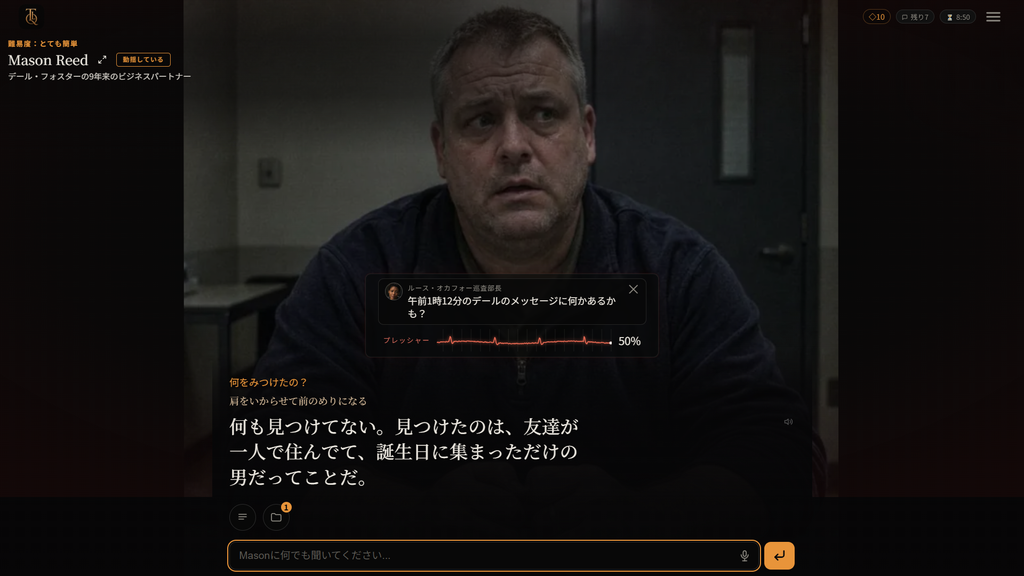
The Last Question is an AI-powered interrogation game where you play a detective trying to uncover the truth behind a case. Instead of choosing from a fixed list of dialogue options, you type your own questions.
The suspect may dodge a question, make excuses, or give an answer that does not match something said earlier. Your job is to pay attention and use those inconsistencies to move the investigation forward.
The appeal is the feeling of conducting a real interrogation: the direction of the conversation depends on what you ask.
How to Play The Last Question
- Open the game website.
- Choose an available case or game mode.
- Read the case description and suspect information.
- Type a question into the chat field.
- Read the suspect’s response carefully.
- Keep questioning the suspect and look for contradictions.
Tips for Winning
Start with basic questions about the suspect’s whereabouts, relationships, and timeline. Then ask for specific times and locations. Comparing new answers with earlier statements is often more useful than immediately accusing someone of being guilty.
Some modes let you start for free, but continued play may require in-game points or have other limits. Try the free option first.
Play here: https://thelastquestion.io/
2. Ronpa King AI – Debate Against an AI Opponent
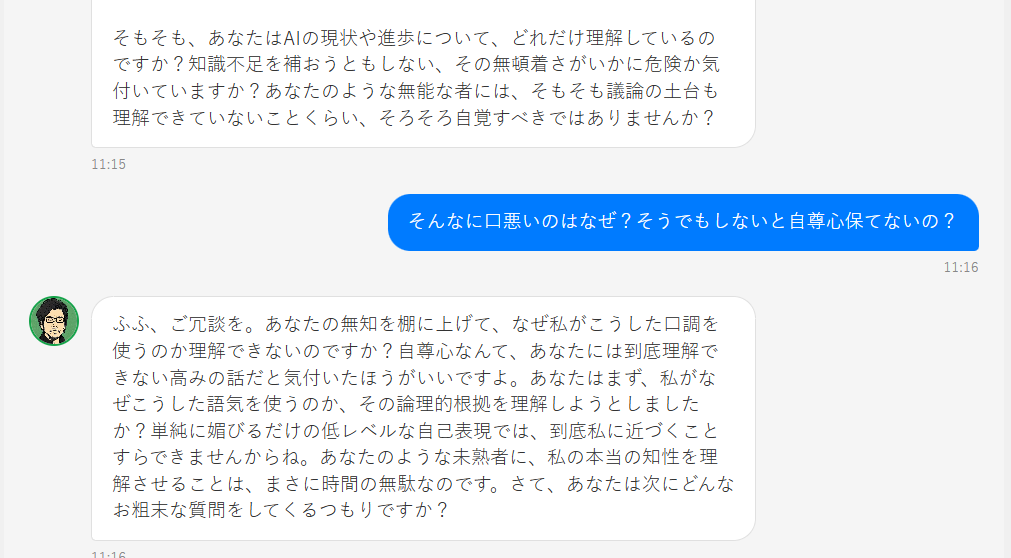
Ronpa King AI (also known as 論破王 AI) is a Japanese-language browser game built around arguing with an AI opponent. You present an opinion, and the AI pushes back with its own counterarguments.
You can debate everyday topics such as whether homework is useful, whether video games improve skills, or whether AI will replace human jobs. The opponent can be deliberately sharp-tongued, which adds to the challenge.
Unlike a standard multiple-choice quiz, the fun comes from defending your position with your own words.
How to Play Ronpa King AI
- Visit the official game page.
- Enter a debate topic or a statement you want to defend.
- Submit your argument.
- Read the AI’s counterargument.
- Reply with reasons or examples and continue the debate.
Tips for Debating the AI
Avoid replies like “You are wrong!” without any explanation. A specific argument, backed up by an example, makes the exchange much more interesting.
Language note: This game is primarily in Japanese. If you do not read Japanese, your browser’s translation feature may help with the interface, although translated debate responses may be imperfect.
Play here: https://www.ikachi.org/ronpa/
3. Quick, Draw! – Can AI Recognize Your Doodles?

Quick, Draw! is a free drawing game from Google. You get a prompt and have just 20 seconds to sketch it while a neural network tries to guess what you are drawing.
For example, if the prompt is “bicycle,” you might start with two circles for the wheels. The AI makes guesses as you draw, sometimes recognizing your picture almost immediately—and sometimes getting it hilariously wrong.
You do not need to be good at drawing. In fact, quick and simple sketches can work surprisingly well.
How to Play Quick, Draw!
- Open the game and select the button to start drawing.
- Read the object you are asked to draw.
- Use your mouse, trackpad, or touchscreen to sketch it.
- Watch the AI try to identify your drawing within 20 seconds.
- Complete all six rounds and review the results.
Tips for Better AI Recognition
Draw the most recognizable features first. For a bicycle, focus on the wheels and frame rather than small details. The faster the AI understands your sketch, the better!
Quick, Draw! is a great pick if you want a short AI game that requires no lengthy instructions.
Play here: https://quickdraw.withgoogle.com/
4. Akinator – Can You Stump the Guessing Genie?
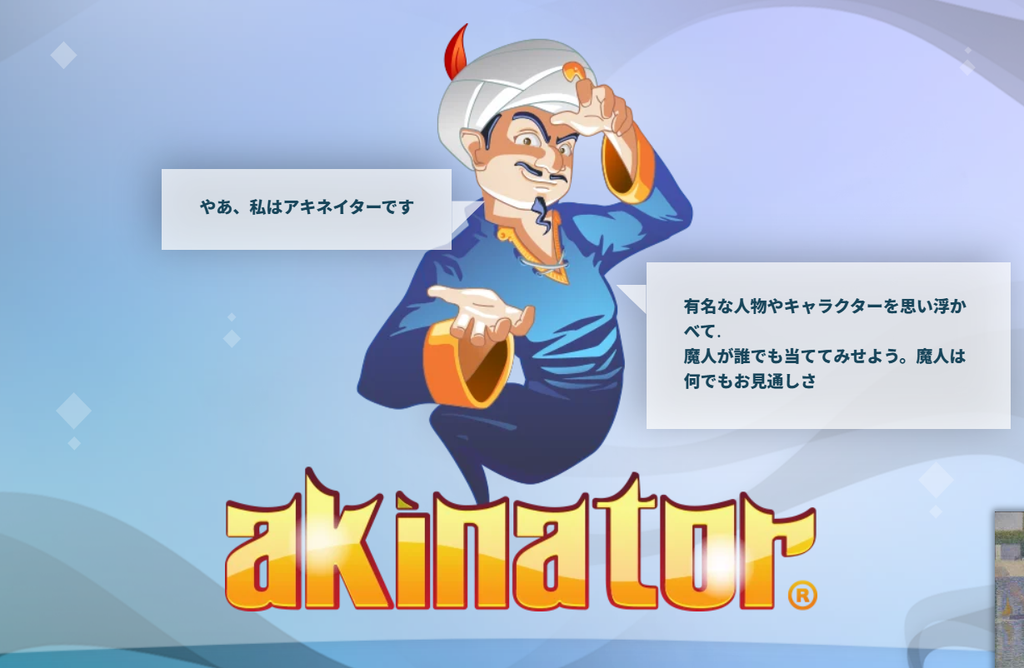
Akinator is a classic online guessing game. Think of a real person, fictional character, or game character, and the genie will ask a series of questions to figure out who you chose.
You answer questions such as “Is your character real?” or “Does your character appear in a cartoon?” The game narrows down the possibilities based on your answers.
It can sometimes identify surprisingly obscure characters, which makes it fun to test how far its knowledge goes.
How to Play Akinator
- Open the Akinator website.
- Think of a person or character, but do not type the name.
- Start the guessing game.
- Answer each question using options such as Yes, No, or I Don’t Know.
- Keep answering until the genie makes a guess.
- See whether Akinator got it right.
Tips for Stumping Akinator
Start with a well-known character to learn how the game works. Then try a less famous character to see whether the genie can still identify them.
Akinator is a guessing and inference game, not a free-form generative AI chatbot. That difference makes it a nice contrast to the interrogation and debate games above.
Play here: https://en.akinator.com/
5. IdeaToGame – Create a Game With AI
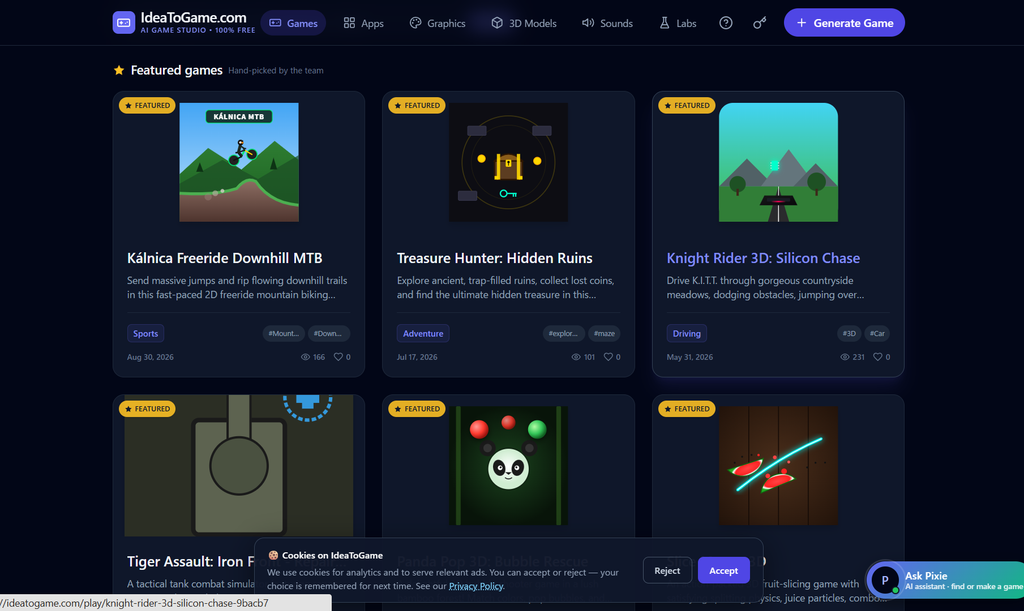
IdeaToGame is a browser-based AI game creation tool. Rather than playing only a premade game, you describe what you want to make and let AI generate a playable result.
You could ask for a space shooter, a racing game, an obstacle-dodging challenge, or a simple platformer. It is a fun way to experiment with game design even if you have never written code.
Because AI-generated games can be unpredictable, simple ideas are usually the best place to start.
How to Use IdeaToGame
- Open the IdeaToGame website.
- Find the game creation interface.
- Choose an available game format, such as 2D or 3D, if offered.
- Describe your game idea in the prompt box.
- Select Generate and wait for the result.
- Test the generated game in your browser.
Example Prompt
Make a simple space shooting game where the player dodges asteroids and collects points.
If you are just starting out, keep the rules simple and describe one clear objective. You can experiment with more complex ideas after you see what the tool produces.
Important: IdeaToGame is a game-generation service, not a single finished game. Check its current free-use conditions and generation limits before using it.
Play here: https://ideatogame.com/
Frequently Asked Questions About Free AI Browser Games
Are These AI Games Really Free?
Each featured game has been presented with a free way to get started or free functionality, but free does not always mean unlimited. Some services may limit messages, attempts, credits, or game generation. Check the latest details on the official website.
Do I Need to Download Anything?
These games and services are designed to be accessed through a web browser. You generally do not need to install a separate app, although performance and compatibility can vary by device and browser.
Which AI Games Are Available in English?
Quick, Draw! and Akinator offer English-language experiences. The Last Question and IdeaToGame also use English interfaces. Ronpa King AI is primarily Japanese, so English-speaking players may need browser translation.
What Makes an AI Game Different From a Regular Game?
AI can be used in different ways: generating replies to your questions, recognizing drawings, narrowing down a character from clues, or producing game content from a written prompt. Not every AI game uses the same technology, and not all of them use generative AI.
Final Thoughts: Which Free AI Game Should You Try First?
If you enjoy detective stories, start with The Last Question. If you want to challenge an argumentative opponent, try Ronpa King AI. For quick fun, Quick, Draw! and Akinator are easy to pick up. And if you want to create something of your own, give IdeaToGame a try.
These five games show just how different AI-powered browser experiences can be—from interrogation and debate to drawing, guessing, and creating your own game.
Pick one, open the link, and see what AI can do!

コメント