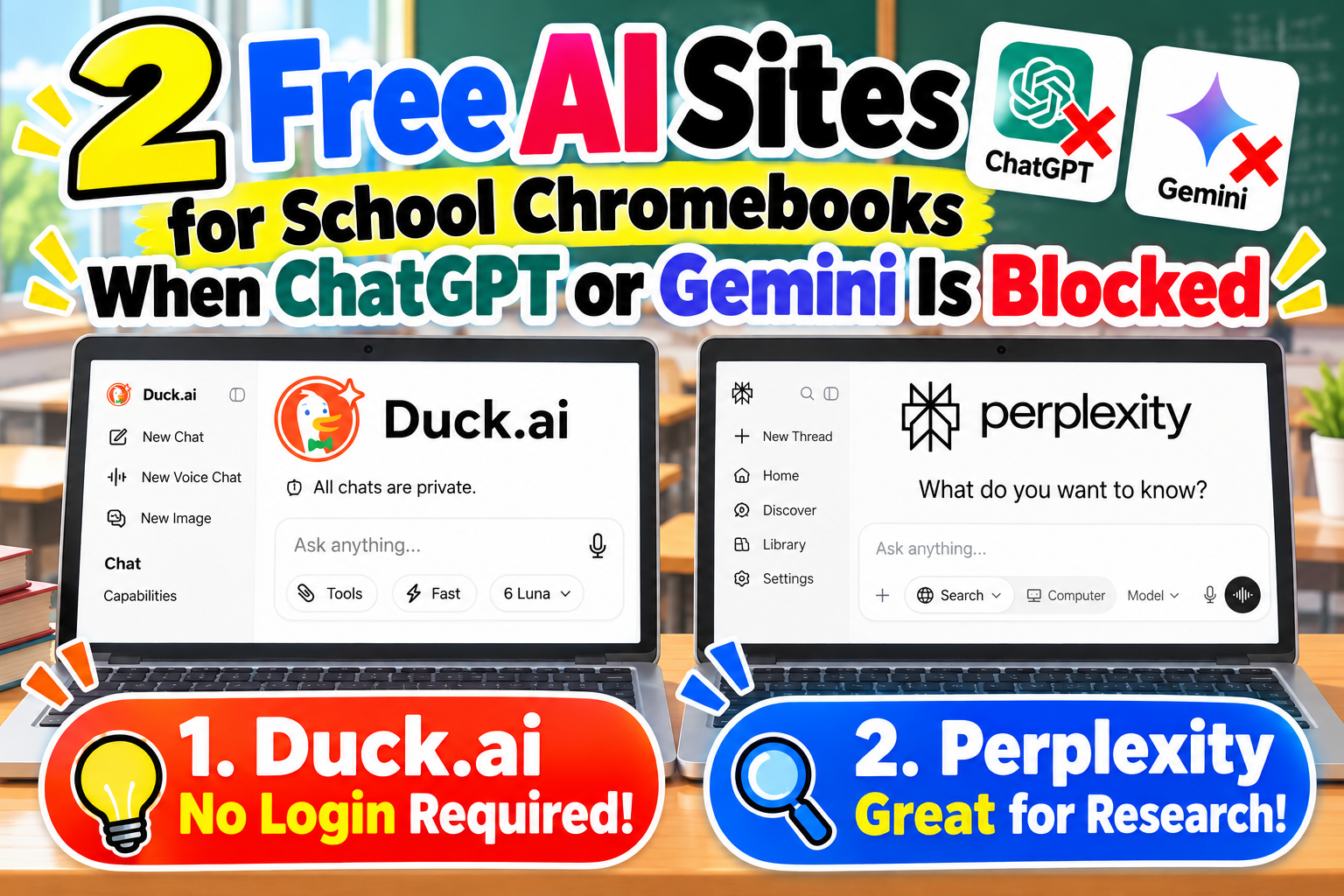

ChatGPT or Gemini not working on your school Chromebook or PC?
Are there any other free AI chat sites I can try?
Here are two free AI websites worth trying if you need an alternative!
Both work in a web browser without installing an app. Duck.ai works without an account, while Perplexity may allow basic guest searches.
Use them to ask questions, get help understanding school topics, brainstorm ideas, or research information.
In this guide, we cover two alternatives to try when ChatGPT or Gemini is unavailable.
Note: Availability on school-managed devices depends on your school’s network and filtering settings. These sites are not guaranteed to work if blocked.
- 2 Free AI Websites to Try on a School Chromebook or PC
- 1. Duck.ai: Free AI Chat Without Signing In
- 2. Perplexity: AI-Powered Search and Research
- Duck.ai vs. Perplexity: Which Should You Choose?
- Why Won’t an AI Website Open on a School Chromebook?
- Tips for Using Free AI Sites
- Conclusion: Two AI Alternatives to Try When ChatGPT or Gemini Is Unavailable
2 Free AI Websites to Try on a School Chromebook or PC
Here is a quick comparison of the two services:
| AI website | Free | No login | Best for |
|---|---|---|---|
| Duck.ai | ○ | ○ | Chat with multiple AI models |
| Perplexity | ○ | Guest search may work | Research with sources |
Let’s look at how each one works.
1. Duck.ai: Free AI Chat Without Signing In
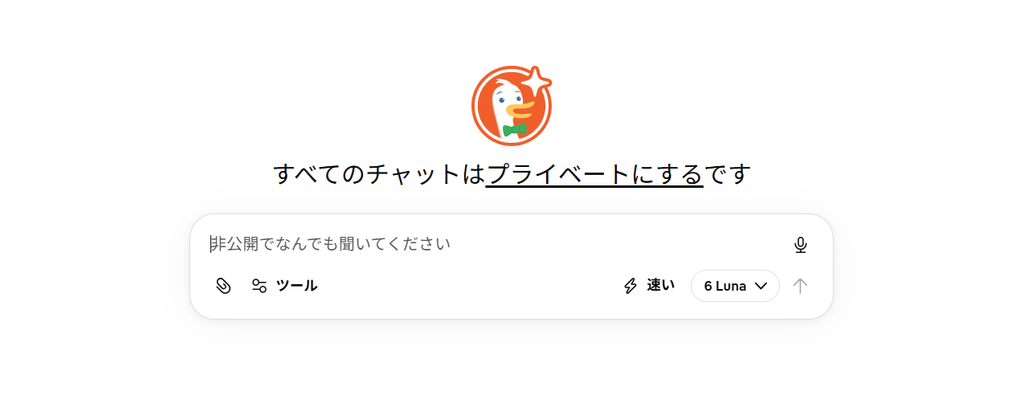
Website:https://duck.ai/
Duck.ai is a free AI chat service from DuckDuckGo, the privacy-focused search engine.
Its main advantage is that you can switch between different AI models without creating an account.
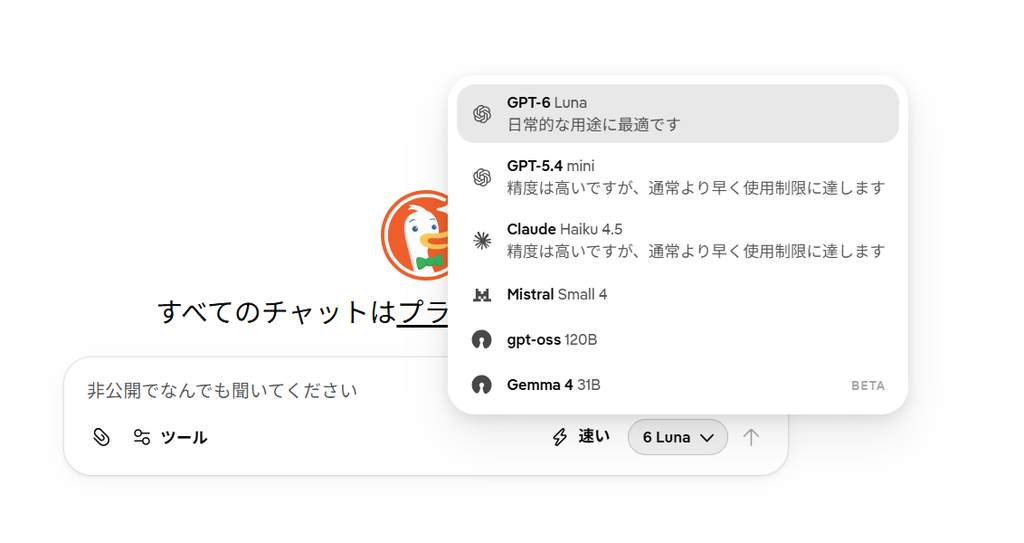
Depending on current availability, you can try models from providers such as OpenAI and Anthropic within the free usage limits.
No installation is needed—just open the website in your browser.
What Can You Do With Duck.ai?
- Get clear explanations of difficult concepts
- Translate between languages
- Brainstorm essay and writing ideas
- Summarize long passages
- Ask coding questions
- Chat with an AI assistant
If you have used ChatGPT before, Duck.ai will feel familiar.
How to Use Duck.ai
Step 1: Open Duck.ai
Visit the website below:

Step 2: Type a Question
Enter your question in the chat box.
For example:
“Explain the American Revolution in simple terms.”
“Can you explain the present perfect tense with examples?”
You can ask questions in everyday language.
Step 3: Read the AI Response
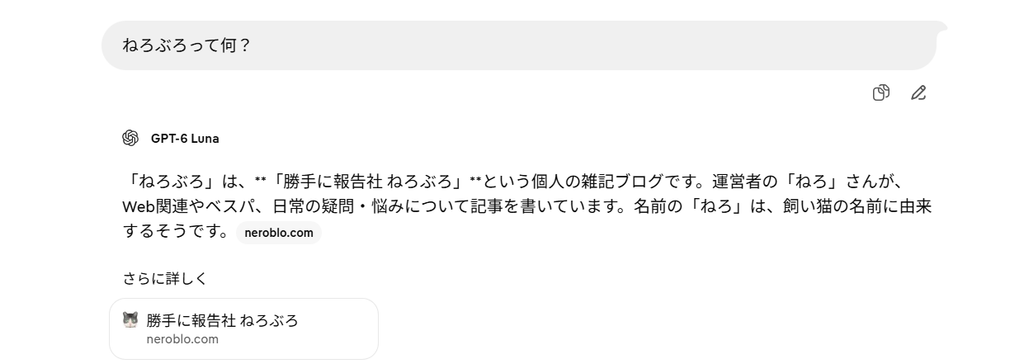
Send your question to receive an AI-generated answer.
Ask follow-up questions if you need more detail.
Step 4: Switch AI Models (Optional)
Use the model selector to switch to another available AI model.
Try asking the same question to different models to compare their responses.
Is Duck.ai Safe?
Duck.ai is operated by DuckDuckGo.
DuckDuckGo describes privacy protections designed to anonymize chats and prevent conversations from being used to train AI models.
Even so, avoid entering passwords, personal details, or sensitive school information.
The free service also has usage limits.
Duck.ai is a strong first choice if you want free AI chat without signing in.
2. Perplexity: AI-Powered Search and Research
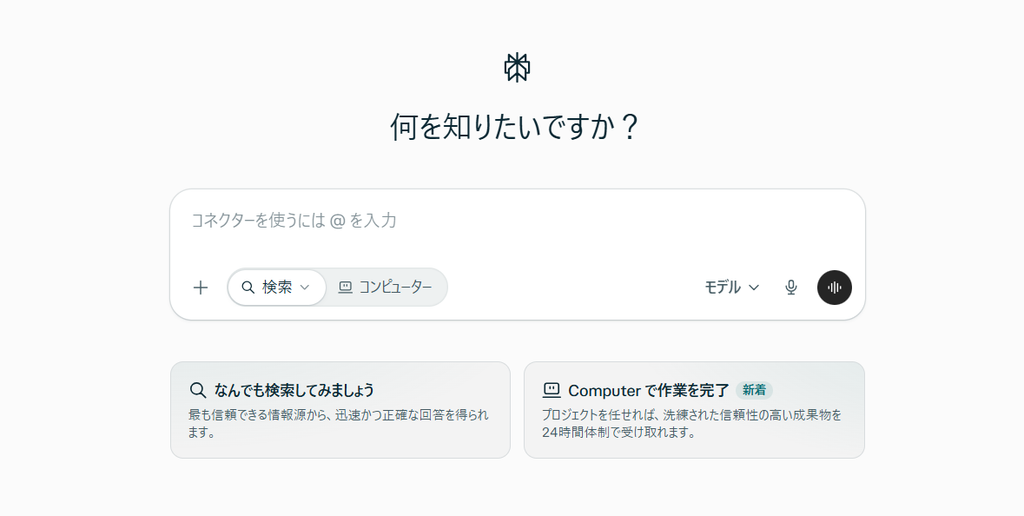
Website:https://www.perplexity.ai/
Perplexity is an AI-powered answer engine that helps you research information on the web.
Traditional search engines usually show a list of links.
Perplexity takes a different approach.
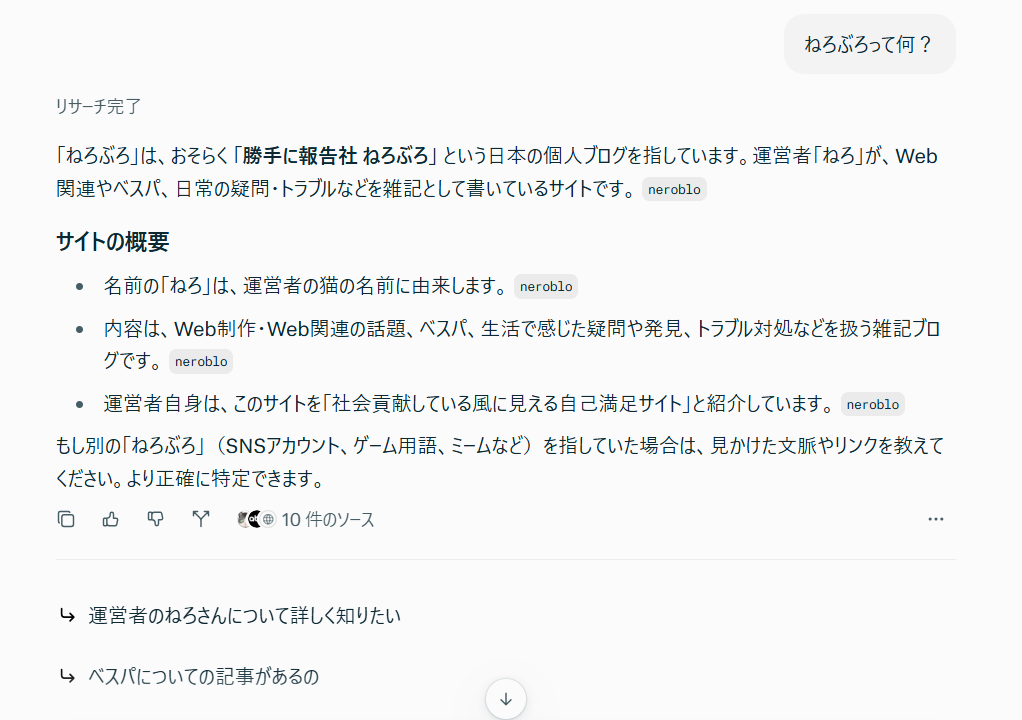
Ask a question and it generates a readable answer using information it finds online.
It can also display links to sources so you can check where information came from.
What Can You Do With Perplexity?
- Research history and science topics
- Look up unfamiliar terms
- Understand news and current events
- Compare information from different sources
- Find sources for further reading
It is particularly useful for research and fact-finding.
How to Use Perplexity
Step 1: Open Perplexity
Visit the following URL:

Step 2: Enter Your Search Question
Type your question in the search box.
For example:
“Why does the Moon orbit Earth?”
“What is the largest lake in the United States?”
Write your question as naturally as you would ask a person.
Step 3: Review the Answer
Perplexity generates an answer and may include links to supporting sources.
Step 4: Check the Sources
Open the linked sources to verify facts and learn more.
Can You Use Perplexity Without an Account?
Perplexity offers free basic AI search.
You may be able to run basic searches as a guest even if a sign-in prompt appears.
However, some features or sessions may require an account.
Signing in can enable features such as saving conversations.
Perplexity is a good option when you need research with source links, not just a chatbot.
Duck.ai vs. Perplexity: Which Should You Choose?
Both are useful, but they have different strengths.
| Feature | Duck.ai | Perplexity |
|---|---|---|
| AI chat | ◎ | ○ |
| Schoolwork explanations | ◎ | ◎ |
| Writing assistance | ◎ | ○ |
| Web research | △ | ◎ |
| Source links | △ | ◎ |
| Ease of use without login | ◎ | ○ |
Note: These ratings are editorial estimates based on the services’ main features.
Choose Duck.ai if you want an alternative AI chatbot.
Choose Perplexity if you mainly want to research topics online.
Choose the service that best fits your needs.
Why Won’t an AI Website Open on a School Chromebook?
Even these alternatives may be unavailable on school-managed devices.
Common reasons include:
- The school’s content filter blocks the website
- The school network cannot connect to the service
- Browser or device settings restrict certain features
- The service is experiencing a temporary outage
Schools often manage which websites can be accessed on their devices.
If ChatGPT or Gemini is blocked, Duck.ai and Perplexity may also be blocked.
Check whether the sites are available on your device and network.
Tips for Using Free AI Sites
AI can be helpful, but its answers are not always correct.
An answer can sound confident and still contain errors.
For schoolwork, double-check important facts using textbooks and trustworthy sources.
Never enter your full name, address, school account details, passwords, or other sensitive information into public AI chats.
Conclusion: Two AI Alternatives to Try When ChatGPT or Gemini Is Unavailable
We covered two free AI websites you can try in a school Chromebook or PC browser.
1. Duck.ai
Chat with different AI models without signing in. Great for writing ideas and explanations.
2. Perplexity
Get AI-generated answers with source links. Great for research and exploring new topics.
If ChatGPT or Gemini is unavailable, consider trying these two alternatives.
Whether they work on your school computer depends on your school’s settings, but one may fit your needs.


コメント