
Websites and online videos can disappear without warning. If a page you once visited or a YouTube video you remember is no longer available, archived copies and search tools may help you find traces of it.
- Websites you used to visit
- Deleted blog posts
- Private or unavailable YouTube videos
- Deleted news articles
That is where web archives can help. They preserve snapshots of web pages and sometimes retain information about content that has disappeared.
Here are three free tools worth trying to find deleted websites, old pages, and information about missing YouTube videos.
1. Wayback Machine
URL

What Is It?
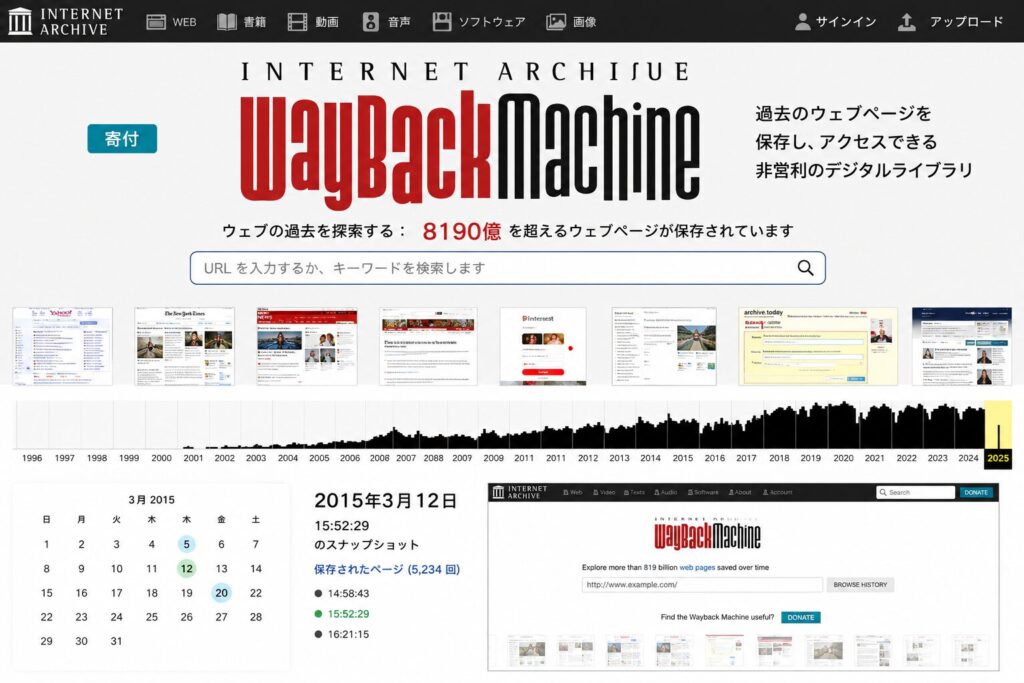
The Wayback Machine is a major web archiving service operated by the nonprofit Internet Archive.
It has collected snapshots of websites from around the world since the 1990s, with hundreds of billions of archived web pages. You can use it to explore how websites looked in the past.
What You Can Do
- View archived versions of deleted websites
- Explore older versions of websites
- Check previous versions of company websites
- Look for deleted articles
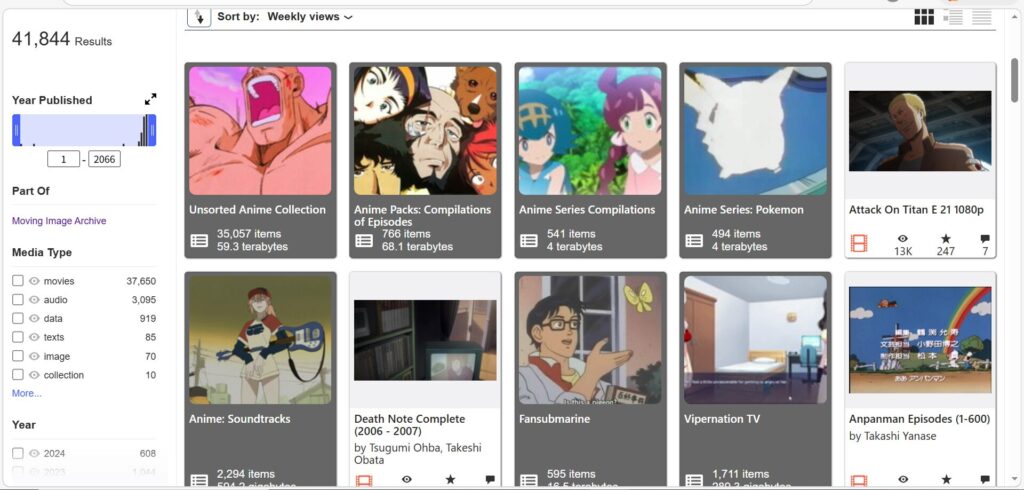
- Check archived information from old YouTube pages
How to Use It
- Open the Wayback Machine
- Enter the URL you want to check
- Choose an available snapshot date on the calendar
- Open the archived version of the page
Our Rating
★★★★★
This is the first tool to try when looking for a deleted website. It is one of the best-known services for browsing historical web pages.
2. Archive.today (Archive.ph)
URL

What Is It?
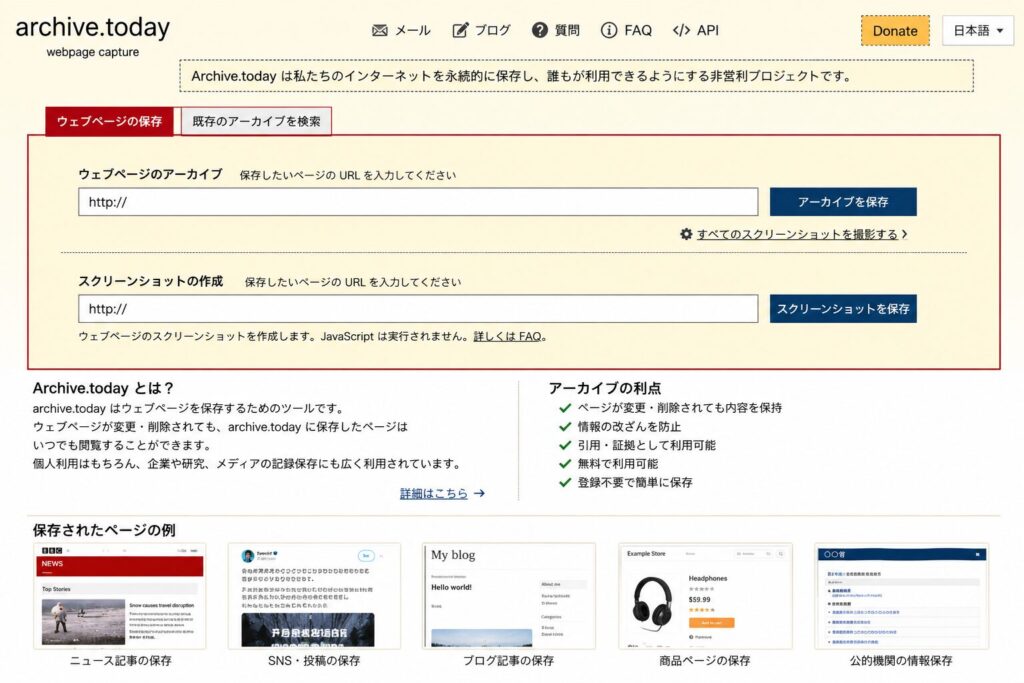
Archive.today lets users create snapshots of specific web pages and access previously saved copies.
It can sometimes have snapshots that are missing from the Wayback Machine. It can also capture some pages that rely heavily on JavaScript, although results vary by website.
What You Can Do
- Save snapshots of web pages
- Read archived copies of deleted articles
- Archive certain social media posts
- Search for previously archived pages
Advantages
- Quick snapshot creation
- Works well with some sites
- May contain pages missing from the Wayback Machine
Things to Keep in Mind
The service has faced questions about its operation and reliability, and some communities have restricted its use as a reference. Verify important claims against other sources whenever possible.
Our Rating
★★★★☆
A useful second option when the Wayback Machine does not have the page you need.
3. Filmot
URL

What Is It?
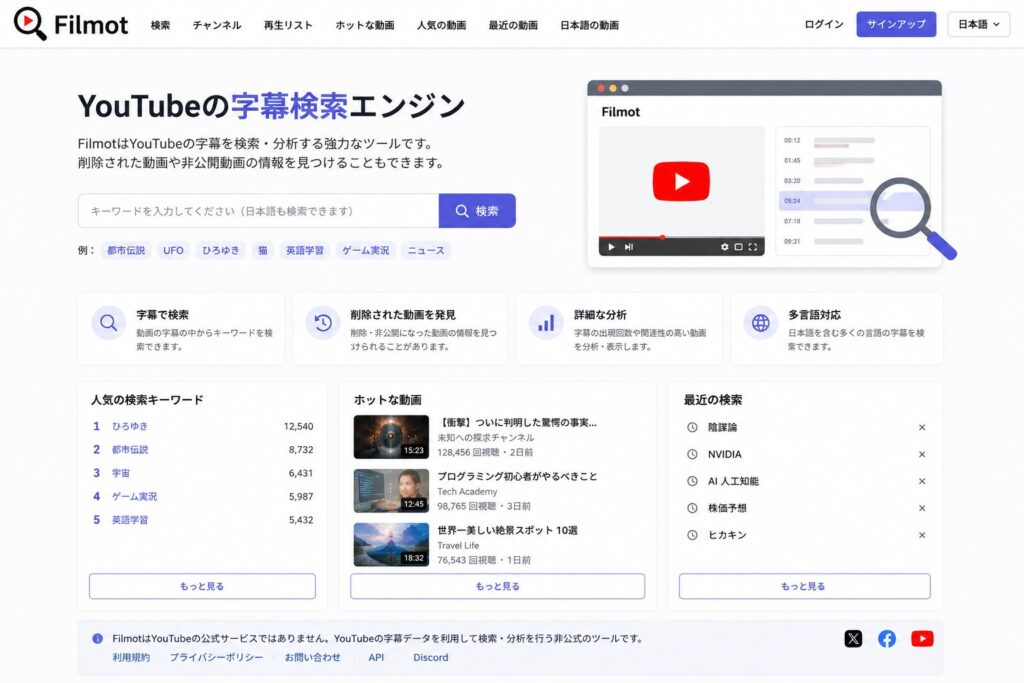
Filmot is a search tool for YouTube subtitles and video metadata.
It can help you locate information that is difficult to find through ordinary YouTube search.
What You Can Do
- Search YouTube subtitles
- Search YouTube channels
- Search video titles
- Look for available information about deleted videos
When Is It Useful?
Filmot may help when:
- You forgot a video title
- A video has been deleted
- You want to find a video you watched long ago
Results depend on what information has been indexed and is still available.
Our Rating
★★★★☆
A helpful tool for researching YouTube videos, especially when you remember a phrase from the subtitles.
Can You Watch Deleted YouTube Videos?
The short answer:
There is no reliable way to play every deleted YouTube video. These tools usually help you recover information, not the video file itself.
However, you may still be able to find:
- Video title
- Description
- Thumbnail
- Upload date
- Channel name
Whether these details are available depends on what was archived or indexed before the video disappeared.
A practical order to try is:
- Wayback Machine
- Archive.today
- Filmot
For YouTube-specific searches, you can also try Filmot first if you remember a subtitle or keyword.
Final Thoughts
If you are trying to find a deleted website or information about an unavailable YouTube video, start with these three services:
| Service | Our Rating | Best For |
|---|---|---|
| Wayback Machine | ★★★★★ | Large collection of historical website snapshots |
| Archive.today | ★★★★☆ | Quick snapshots and alternative archived copies |
| Filmot | ★★★★☆ | YouTube subtitle and metadata search |
For deleted websites, start with the Wayback Machine. If it has no useful snapshot, check Archive.today. For missing YouTube videos, Filmot can help uncover searchable details, but none of these tools guarantees playback.


コメント