Note: Screenshots and menus may have changed since this article was originally published. Avoid entering passwords or sensitive information into unfamiliar proxy services.
Introduction
This guide is for anyone who has tried different ways to watch YouTube on a school-issued computer but still cannot access it.
“I have tried several ways to watch YouTube on my school Chromebook or PC, but it is still blocked. Are there any other options?”
If that sounds familiar, this article introduces three web proxy services and explains their basic features.
You can also read our earlier guide below for additional background.
Our previous article covered alternative YouTube front ends and other approaches. This time, we focus on free web proxies. Availability varies by network, and none of these services is guaranteed to work.
What Is a Web Proxy?
A proxy acts as an intermediary between your browser and a website. Some web proxies can help you access content through a different connection, although they do not guarantee anonymity or access to every site.
Both paid and free services exist. Here are three free options mentioned in this guide.
3 Free Web Proxy Services for YouTube
1. CroxyProxy
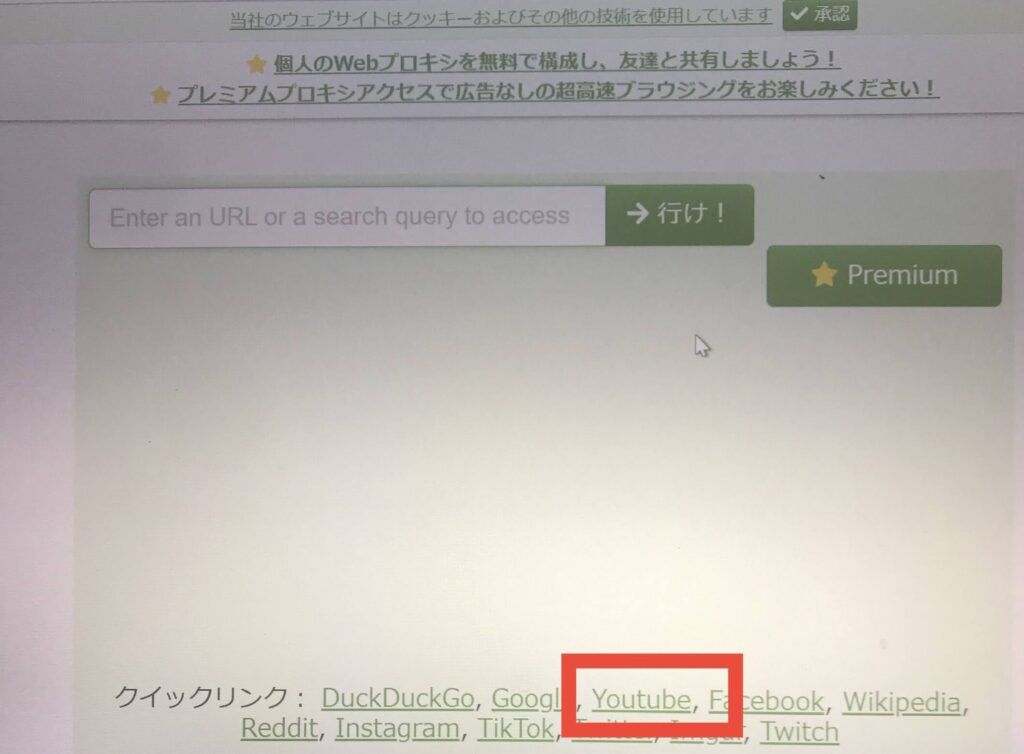
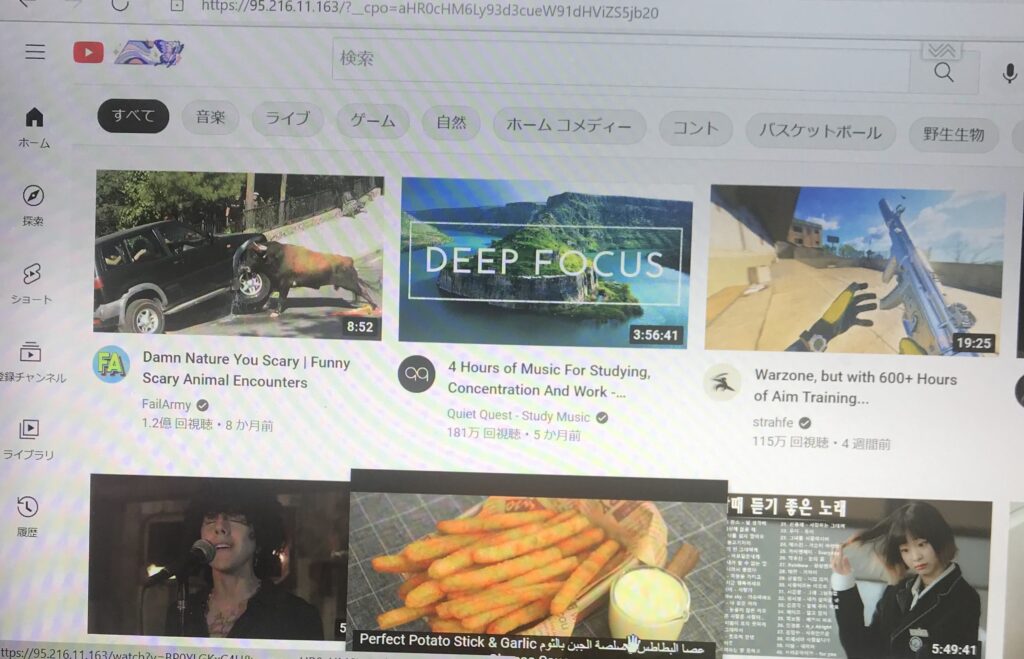
CroxyProxy offers convenient quick links and is designed to make browsing through its proxy straightforward. Performance depends on your connection and the site.
On the proxy homepage, look for the YouTube quick link.
The service may also support sites such as TikTok and X (formerly Twitter).
CroxyProxy: https://www.croxyproxy.com/
If the main address does not load, these are additional addresses listed in the original article (availability not verified):
③https://www.croxyproxy.rocks/
⑥https://cdn.croxyproxy.rocks/
2. 4everproxy
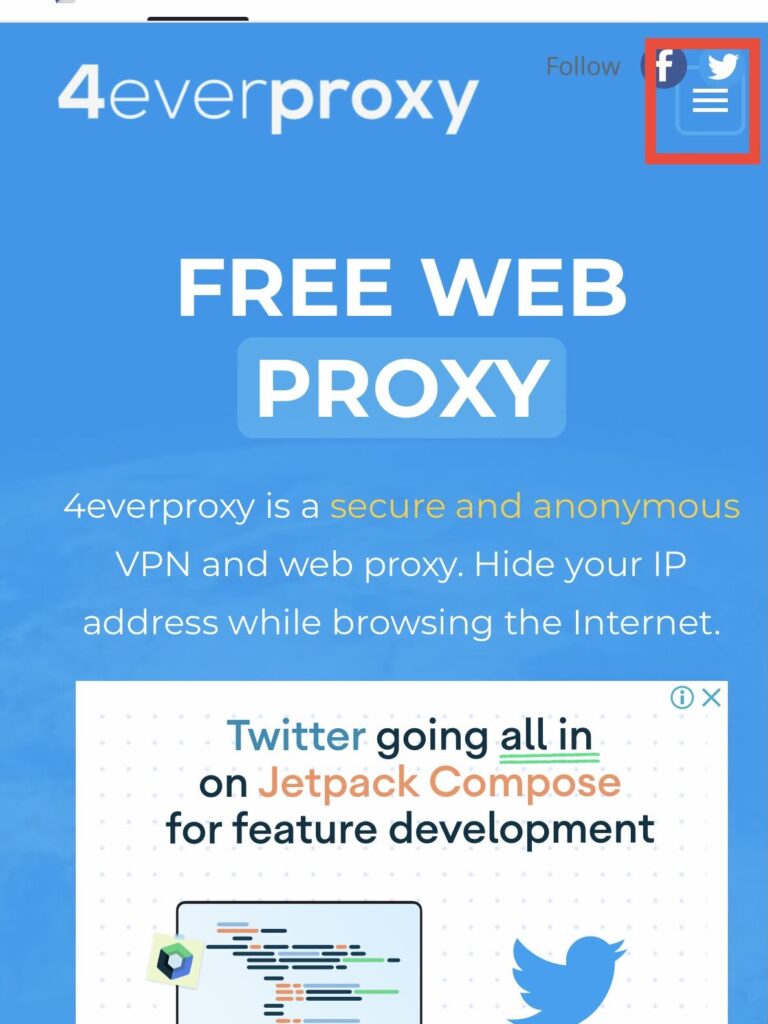
4everproxy is a web proxy service with options intended for media-heavy websites, including video. Actual playback and speed may vary.
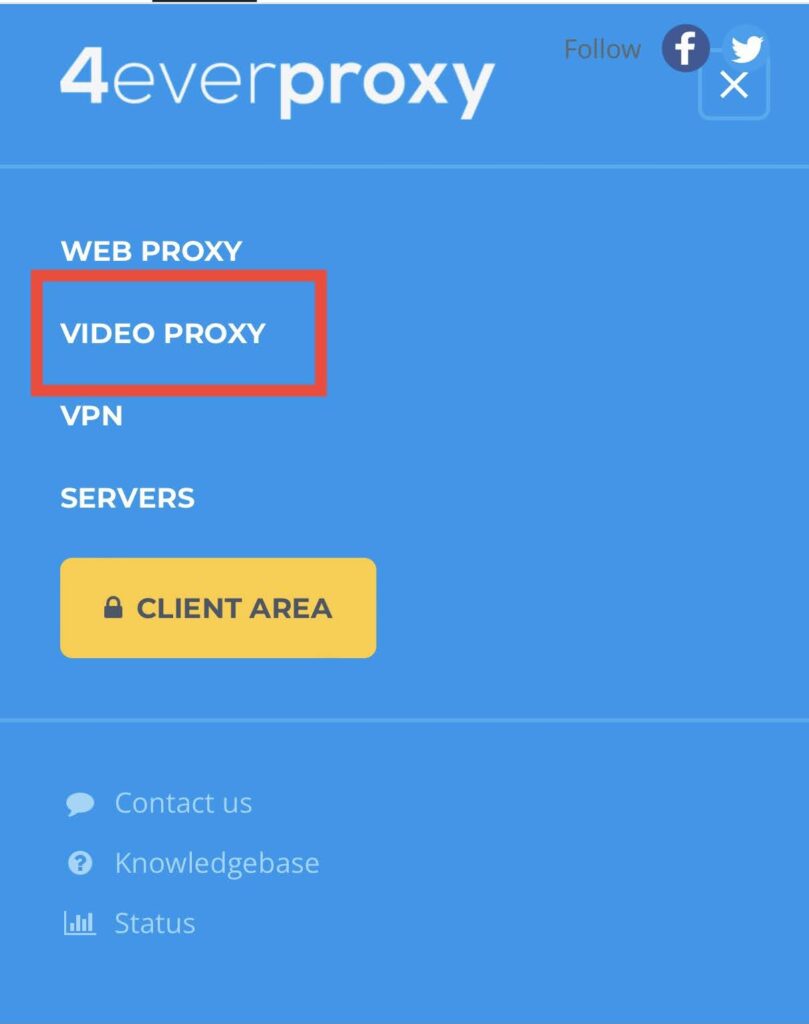
In the interface shown in the screenshots, open the menu in the upper-right corner and choose “VIDEO PROXY.” The current interface may differ.
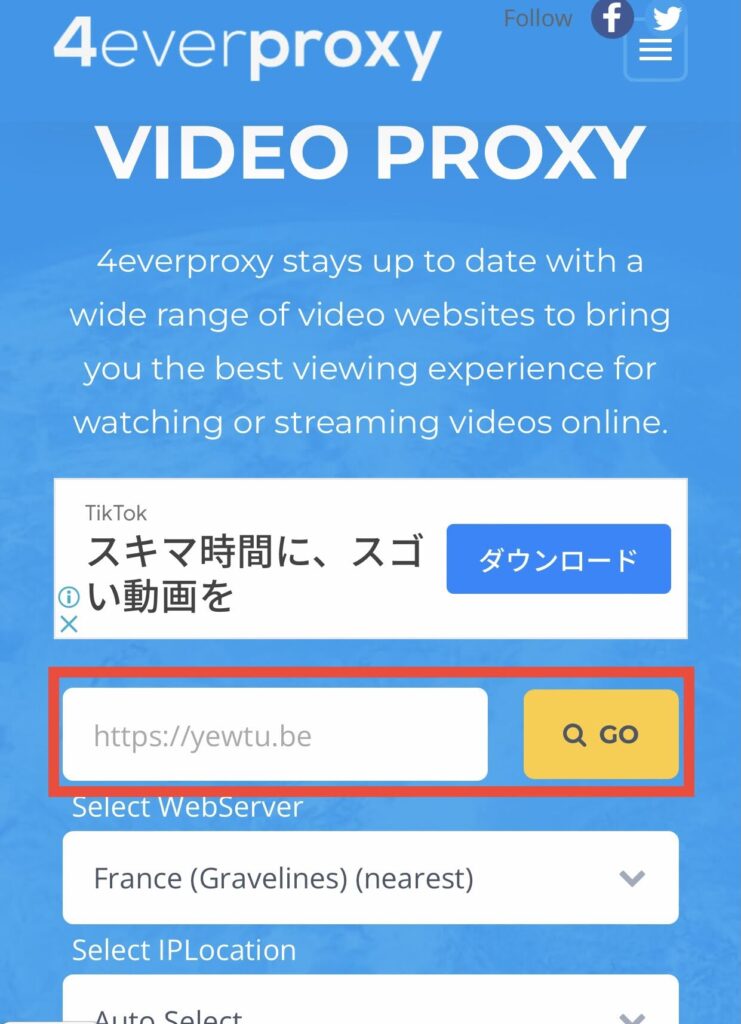
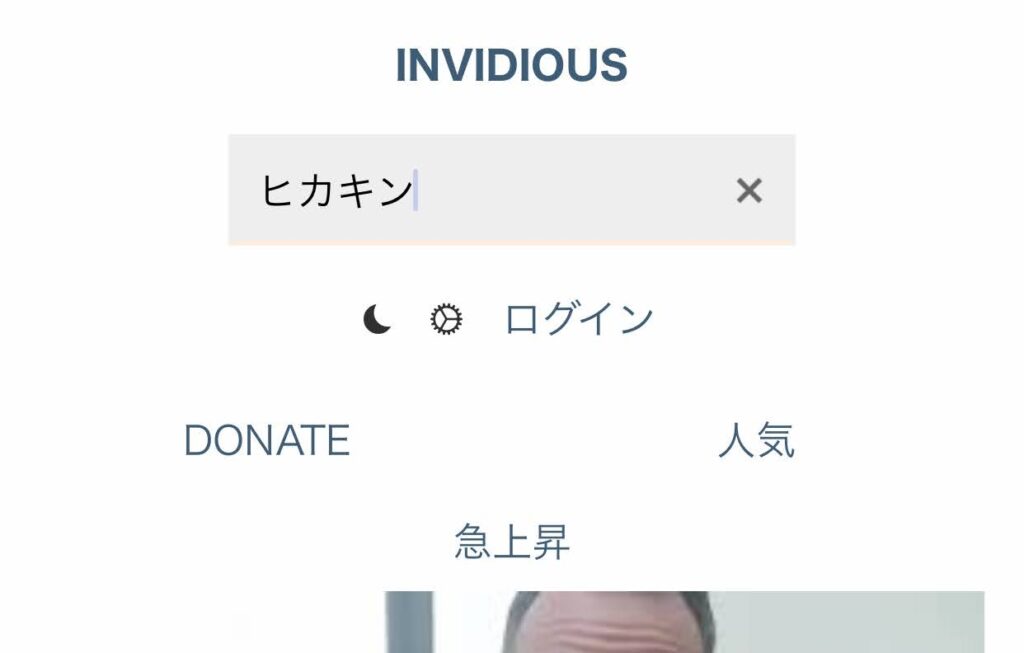
Select “GO” to continue. Whether YouTube loads depends on the service and your network.

4everproxy: https://www.4everproxy.com/
3. Proxyium
Proxyium is a free web proxy for browsing websites and, in some cases, video pages. Do not assume a proxy makes your activity completely anonymous.

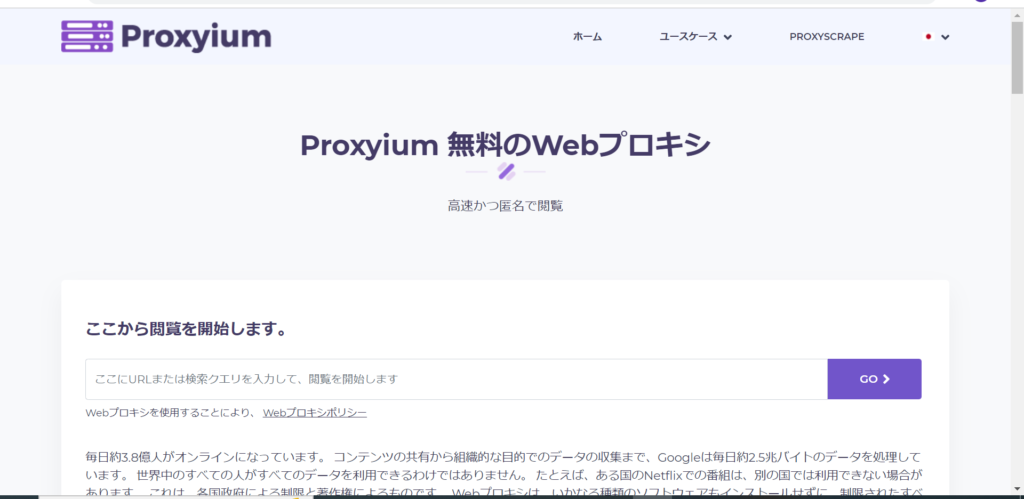
Its basic interface is simple.
Enter the YouTube address in the proxy input field and select “Go.”
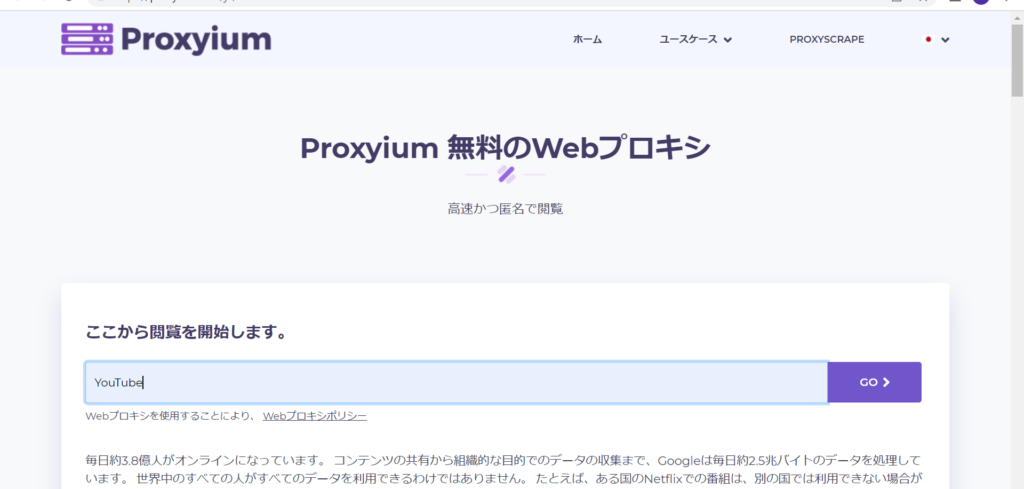
The screenshots show a pop-up before continuing to YouTube. Avoid suspicious pop-ups, downloads, and requests for personal information.
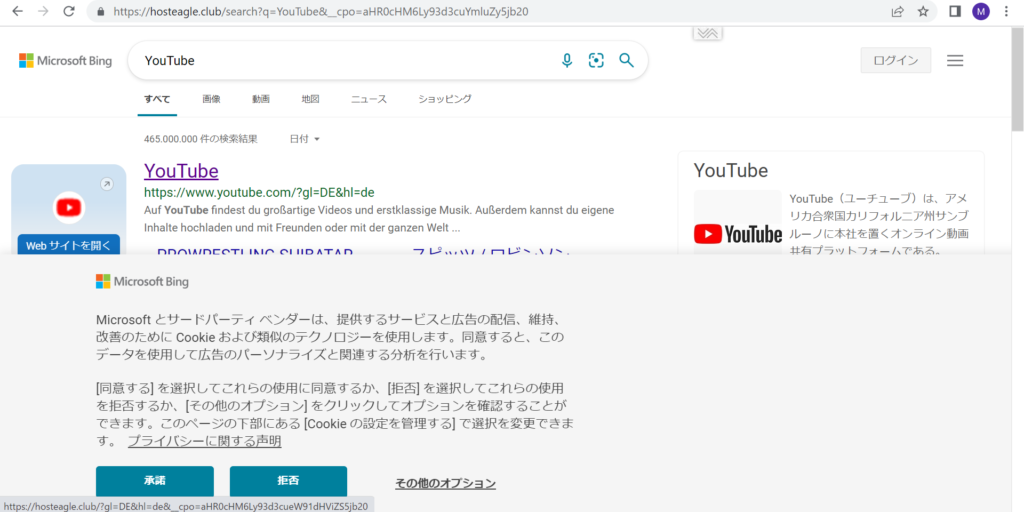
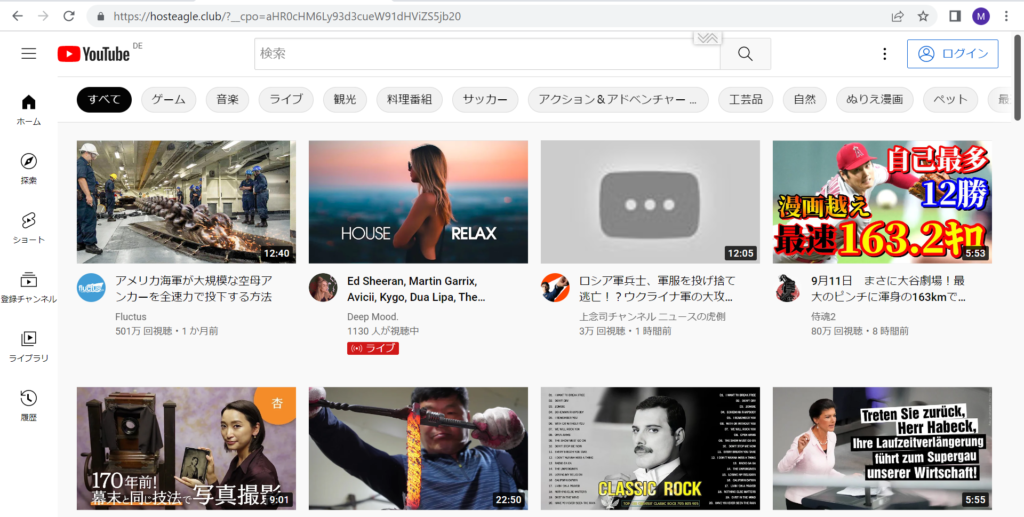
You can also enter other website addresses into the proxy, although some sites may not load or function correctly.
Proxyium: https://proxyium.com/
Conclusion
Web proxies offer another way to browse websites without installing software, but their reliability, privacy practices, and compatibility vary.
Some proxies also accept URLs for sites other than YouTube, but access is not guaranteed.
Some people question the value of watching YouTube on a school computer. I believe curiosity is one of the most important parts of learning.
Games and videos can encourage people to become more comfortable using computers.
YouTube can be a starting point for developing an interest in technology.
It can also be an educational resource, with tutorials and explanations covering many school subjects.
コメント