Introduction
Want to watch TikTok videos on a school Chromebook or PC without installing an app? This guide explores four browser-based options, including proxy services and alternative video platforms. Availability depends on the site, device, and school network settings.
This article focuses mainly on web proxies. If you are new to them, read our introduction to proxy sites first.

Here are some ways to try viewing TikTok in a browser on a school-managed computer or tablet.
Some of these services also offer access to YouTube, search engines, or other websites, although compatibility varies.
1. Art Class: A Browser-Based Proxy
Art Class is a web proxy that has offered shortcuts to popular websites and apps. The interface and availability may have changed since these screenshots were taken.
URL: https://artclass-eta.vercel.app/
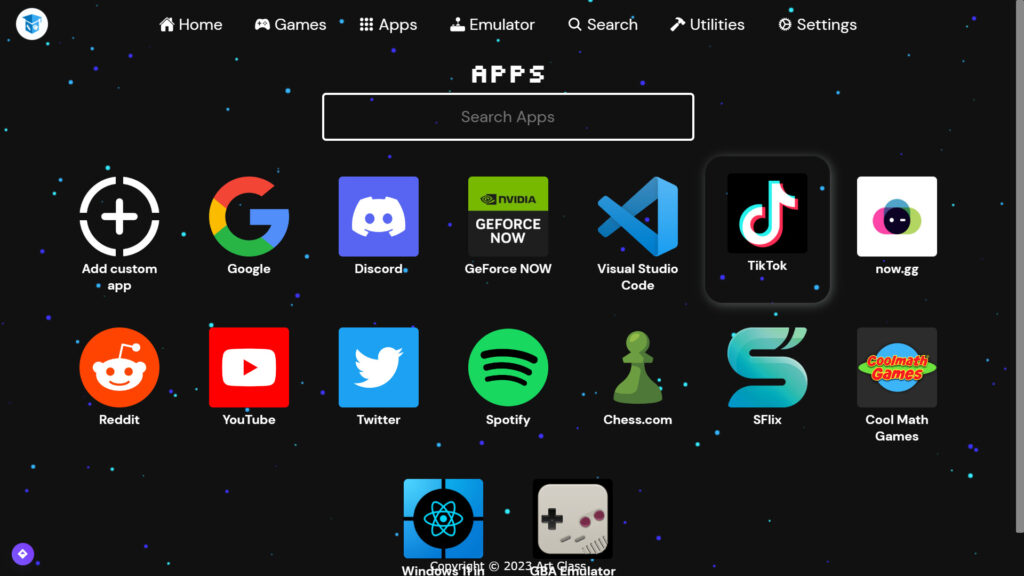
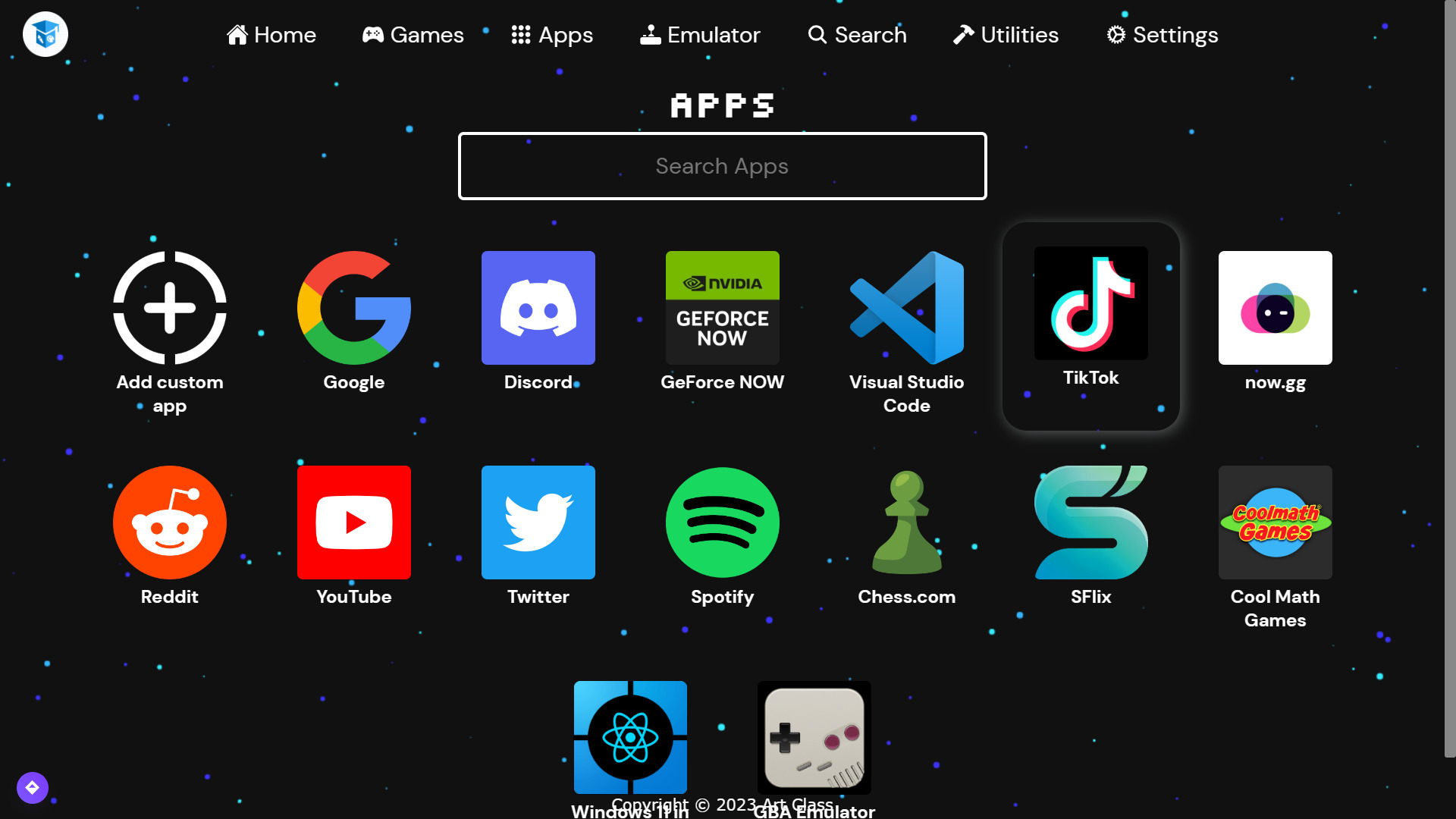
After opening the website, select Apps from the top menu, if that option is available.
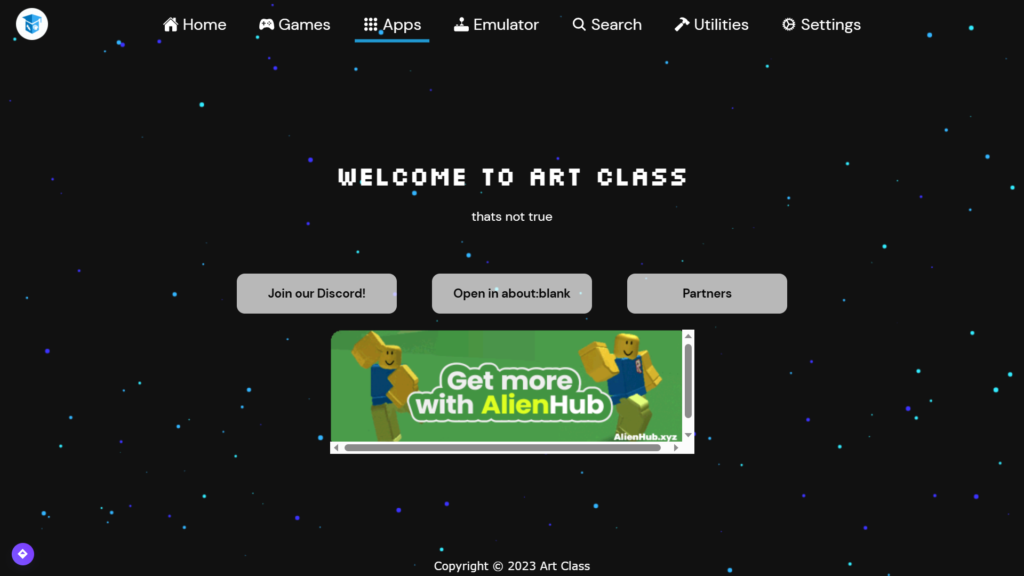
Find and select TikTok in the app list.
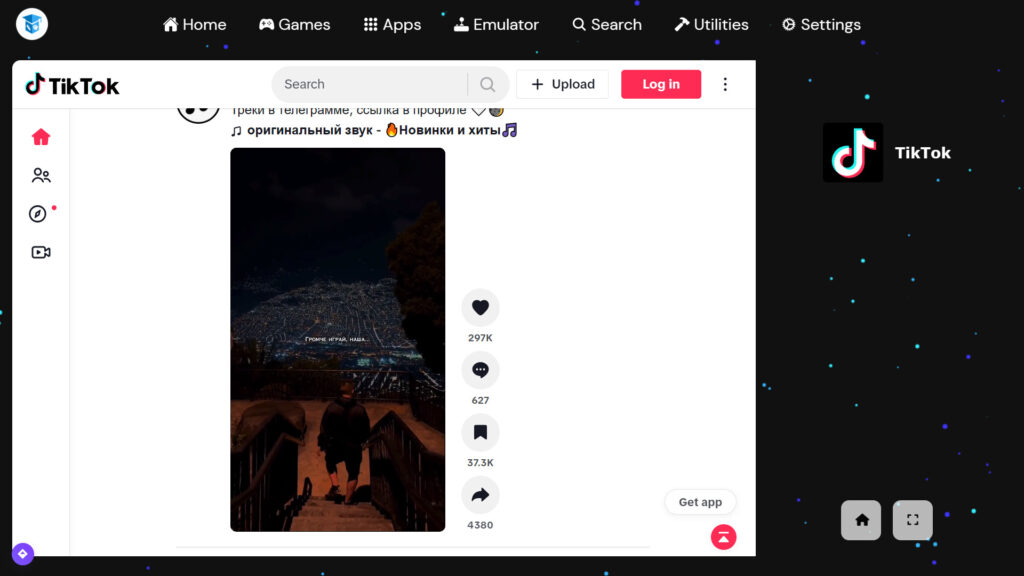
Wait for the page to load. If the service is functioning and the network permits it, TikTok content may appear.
Art Class has also offered links to services such as YouTube and Google, along with browser games. Features are not guaranteed to remain available.
2. CroxyProxy: TikTok Through a Web Proxy
CroxyProxy is another browser-based proxy service. Depending on its current interface, you may find TikTok under its quick links.
③ https://www.croxyproxy.rocks/
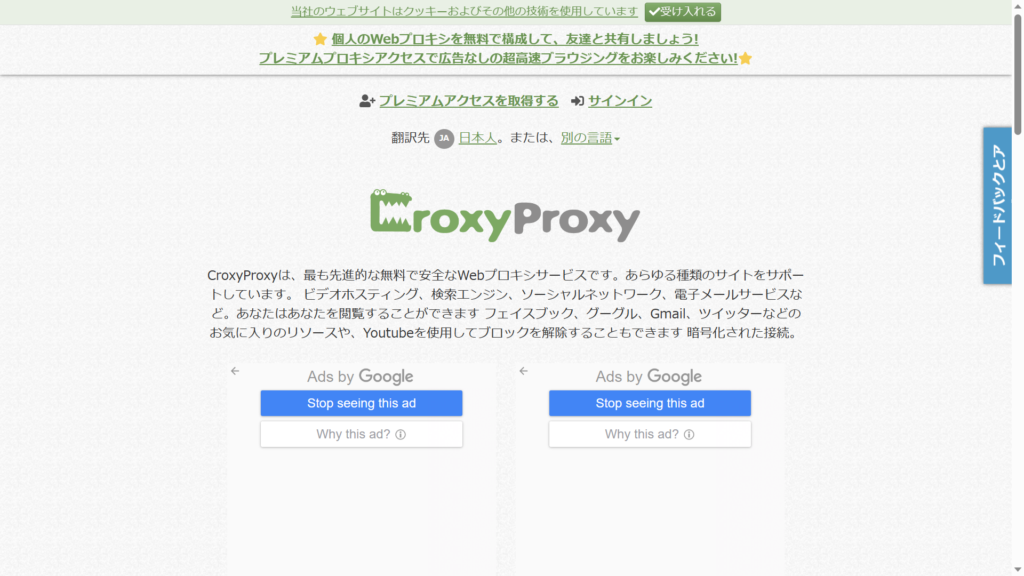
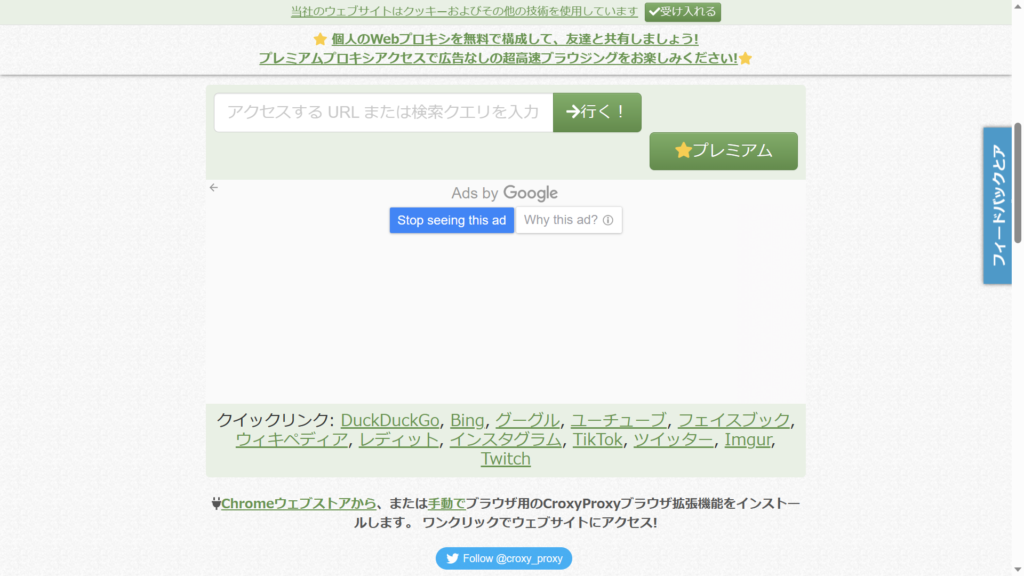
Look for the TikTok shortcut under Quick Links, if present, and select it.
Allow a little time for the proxy to load the destination website.
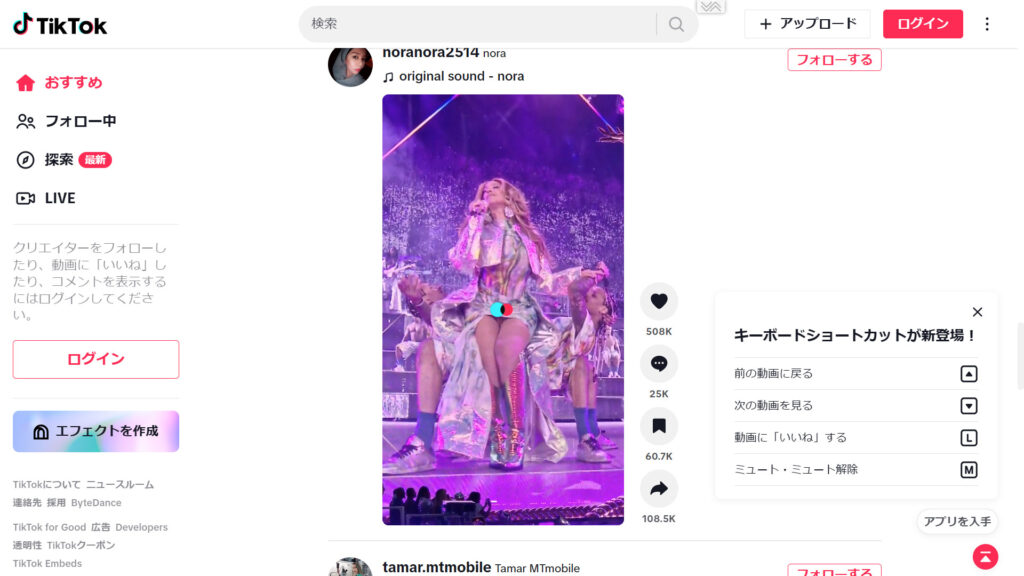
The screenshots show how the service worked when this guide was created. TikTok playback and other features may be unavailable if the proxy or destination site changes.
CroxyProxy may also provide shortcuts to YouTube and Google.
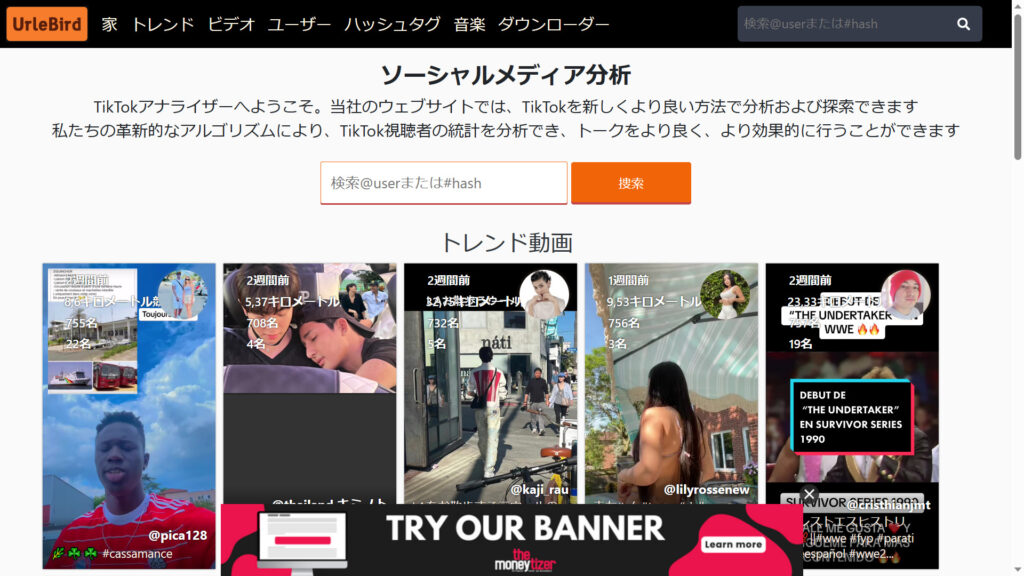
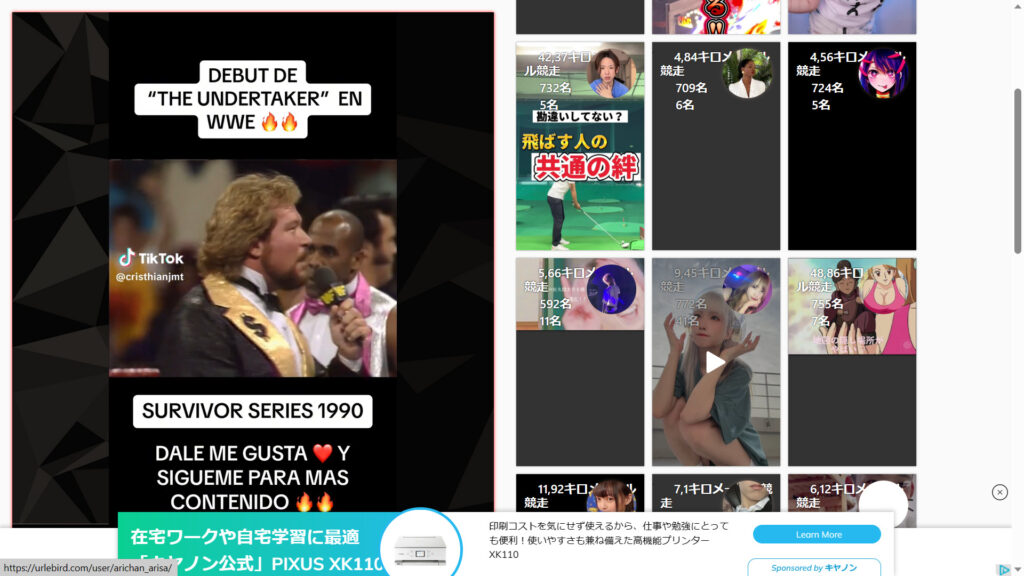
3. Urlebird: Explore Public TikTok Videos
Urlebird is a third-party TikTok content viewer rather than a general-purpose proxy. It has displayed public TikTok videos and profiles in a web browser. Its content, availability, and features may change.
4. Douyin: China’s Short-Video Platform
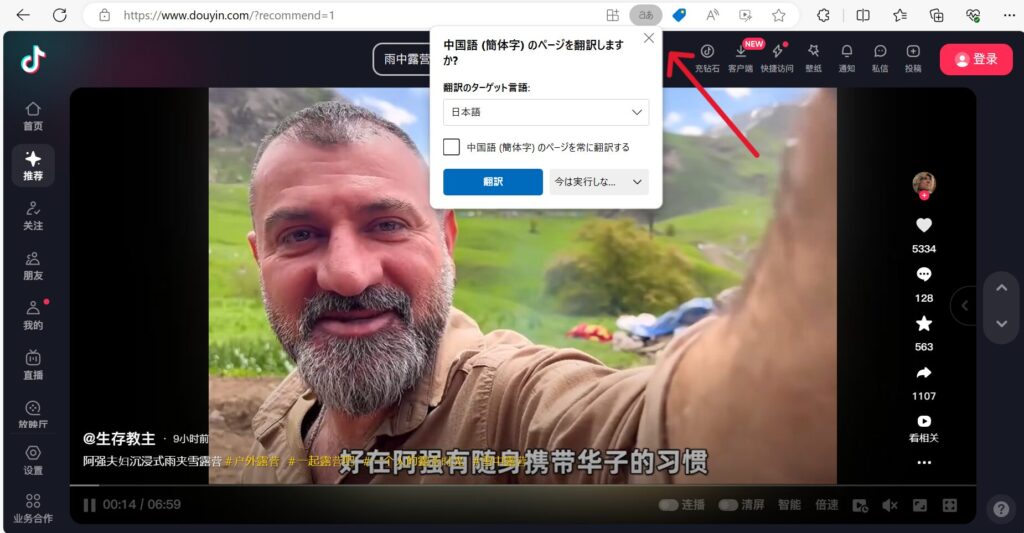
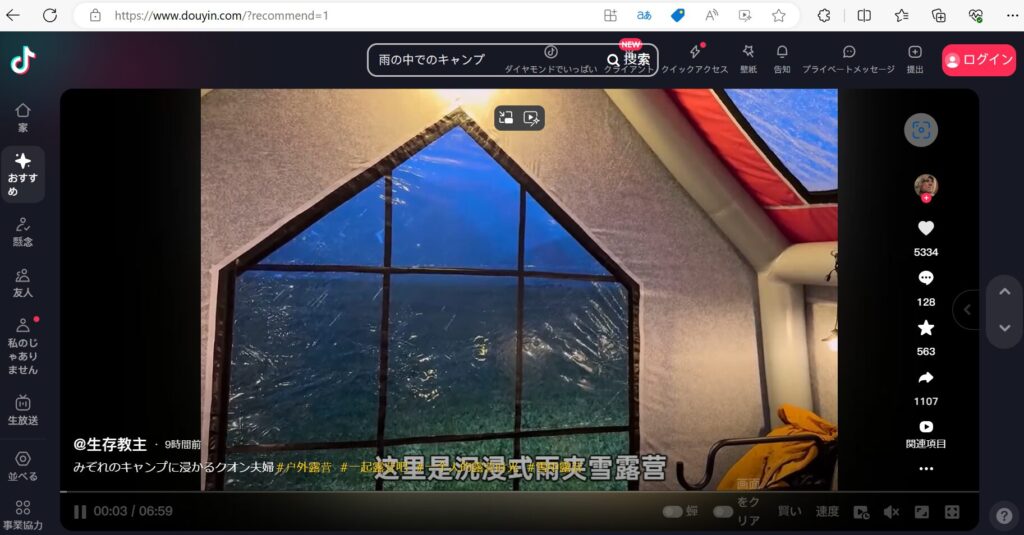
Douyin is a short-video platform operated for the Chinese market. It is related to TikTok but is a separate service, so it is not a mirror of the international TikTok feed.
The website is primarily in Chinese. If you use a browser with a built-in translation feature, you may be able to translate the page into English.
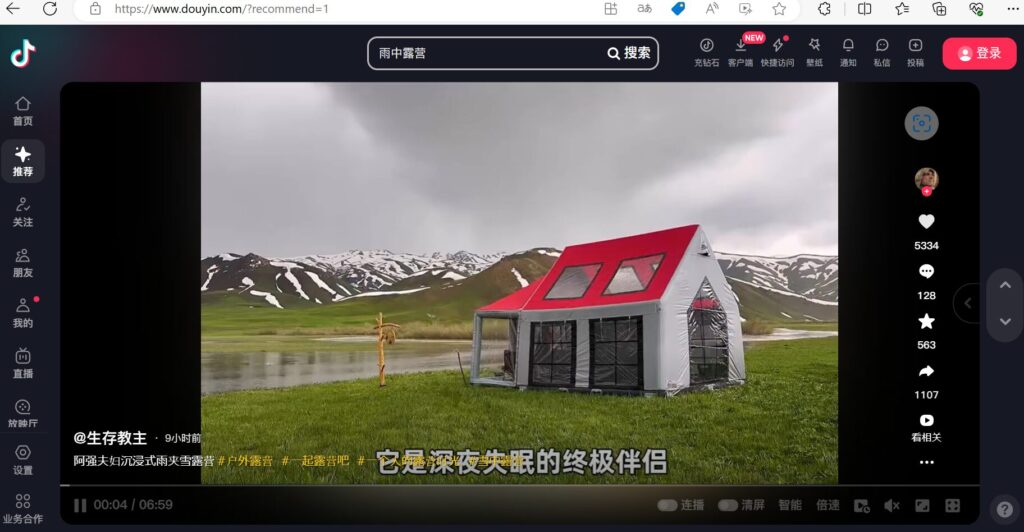
In the original screenshot, the browser’s translation icon (shown as “aあ”) was used to translate the page. Choose English rather than Japanese for an English-language interface.
Which Option Should You Try?
| Service | Type | What to expect |
|---|---|---|
| Art Class | Web proxy | App shortcuts, if available |
| CroxyProxy | Web proxy | Browser access to supported sites |
| Urlebird | Third-party viewer | Public TikTok-related content |
| Douyin | Separate video platform | Chinese-market short videos |
Frequently Asked Questions
Can I watch TikTok on a school Chromebook?
Sometimes. A browser-based service may work on some devices, but school filtering, managed-browser settings, and changes to TikTok can prevent access. No website is guaranteed to work on every school network.
Do I need to download an app?
The options described here are browser-based, so you generally do not need to install a separate app to visit their websites.
Are web proxies private?
Not necessarily. A proxy operator may be able to process or log your requests, and school administrators may still be able to see that you accessed the proxy. Avoid entering sensitive passwords or personal information into unfamiliar third-party services.
Conclusion
Art Class and CroxyProxy are proxy-based options; Urlebird is a third-party TikTok viewer, and Douyin is a separate short-video platform. They serve different purposes, and their current functionality may differ from the screenshots above.
Some proxy services also support other websites, such as YouTube, but entering a different destination does not guarantee that it will load. For related browser guides, see the articles below.

Note: These links and their current availability have not been independently verified. On school-managed devices, access may be restricted and activity may remain visible to administrators.
コメント